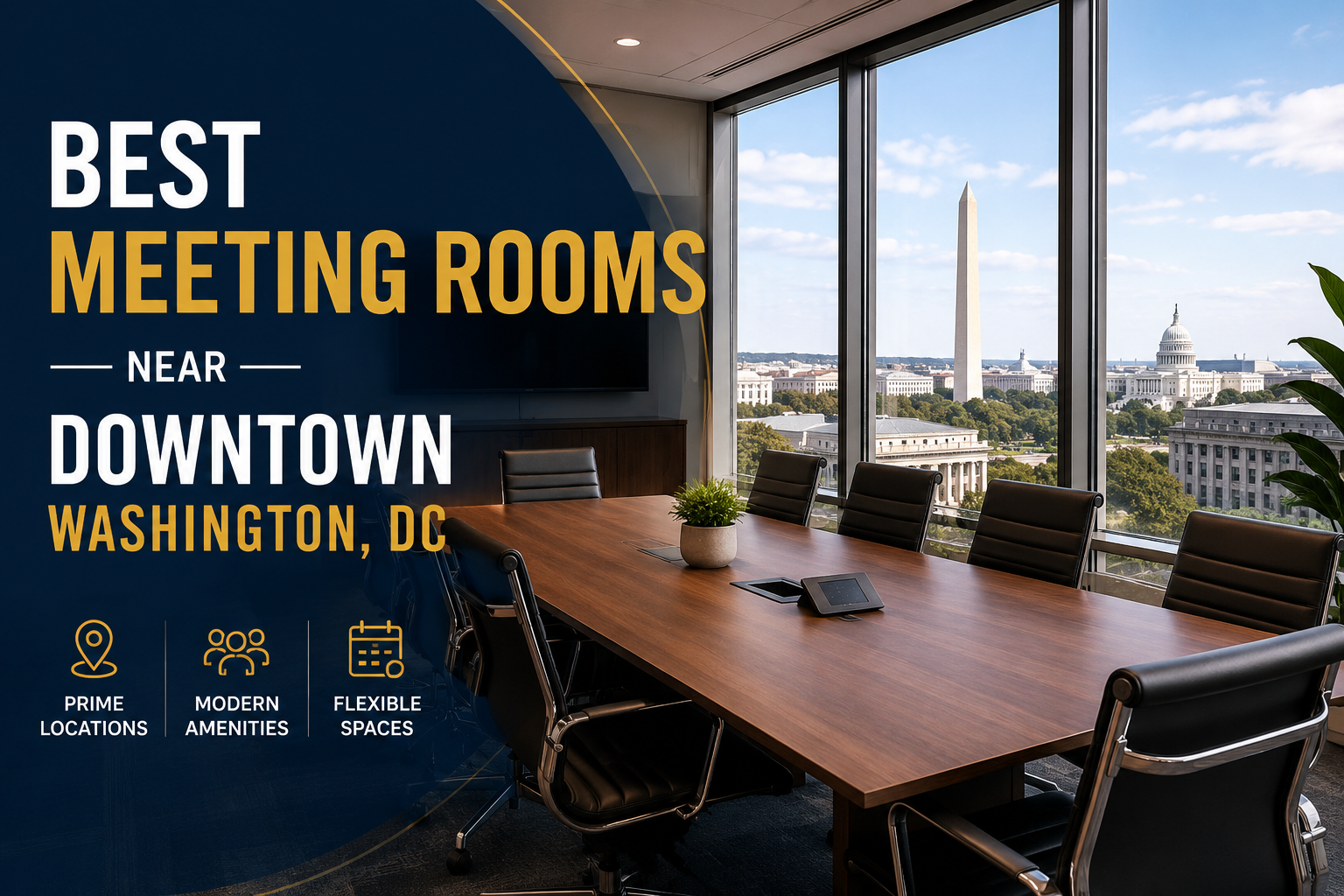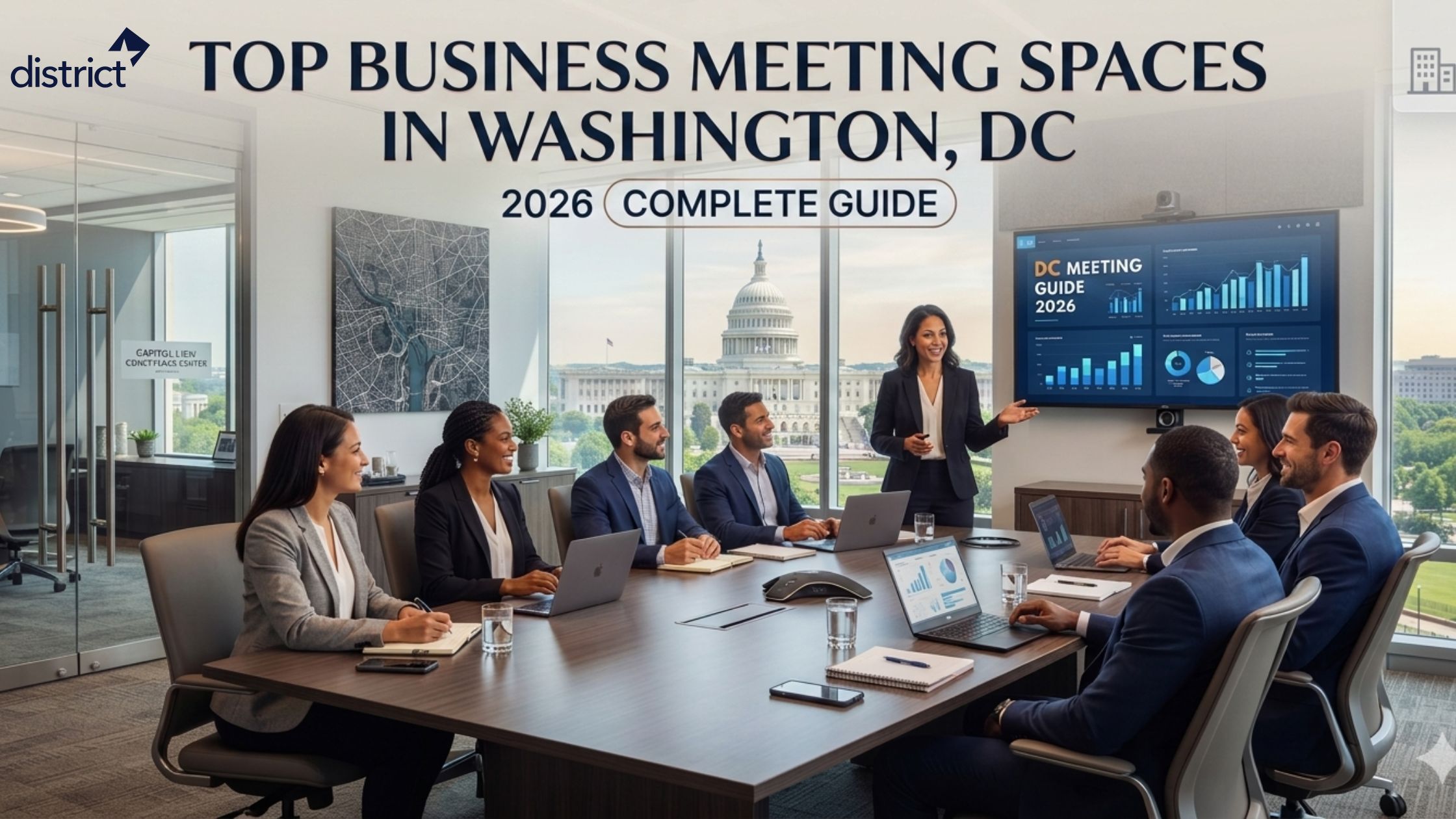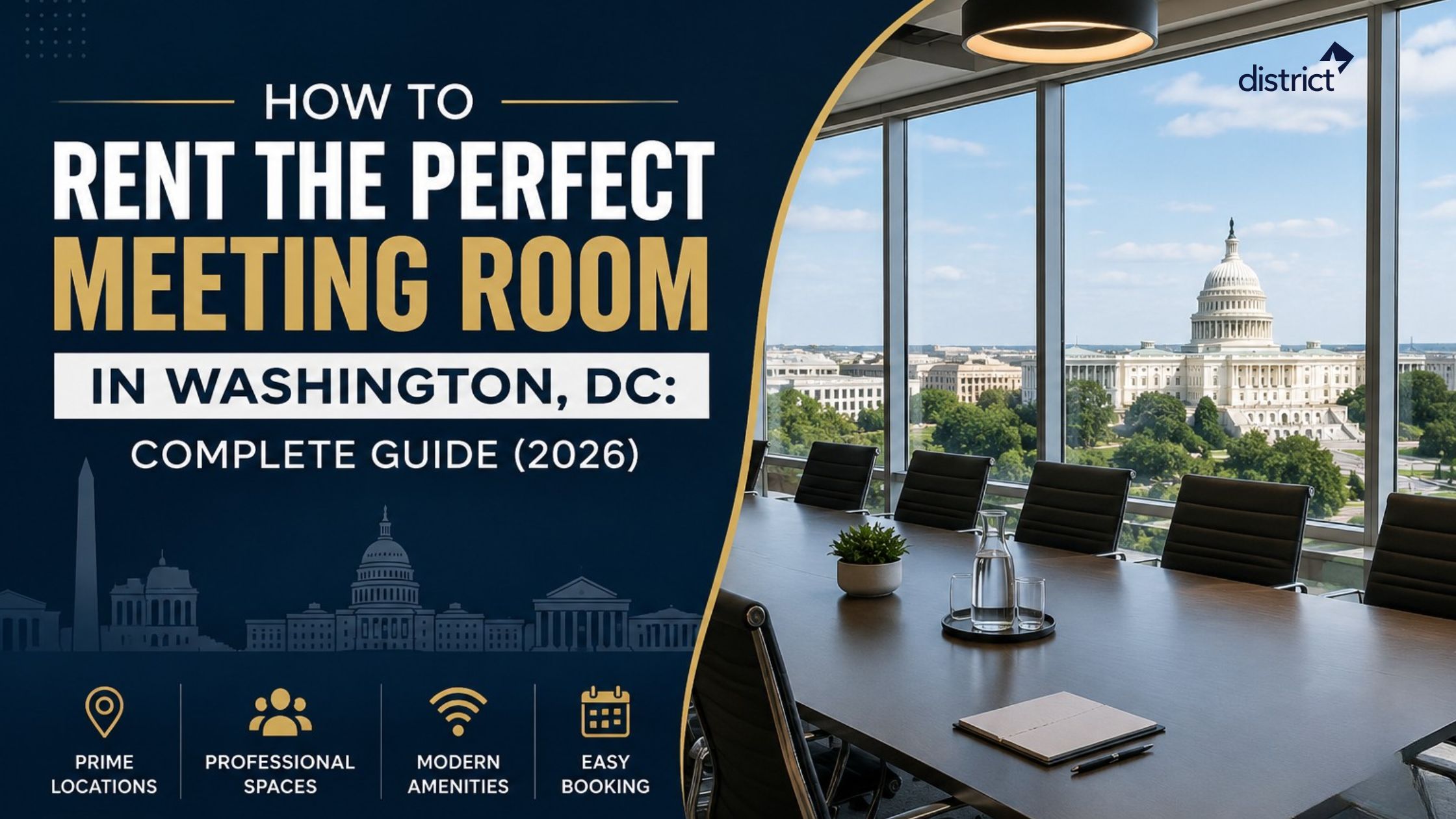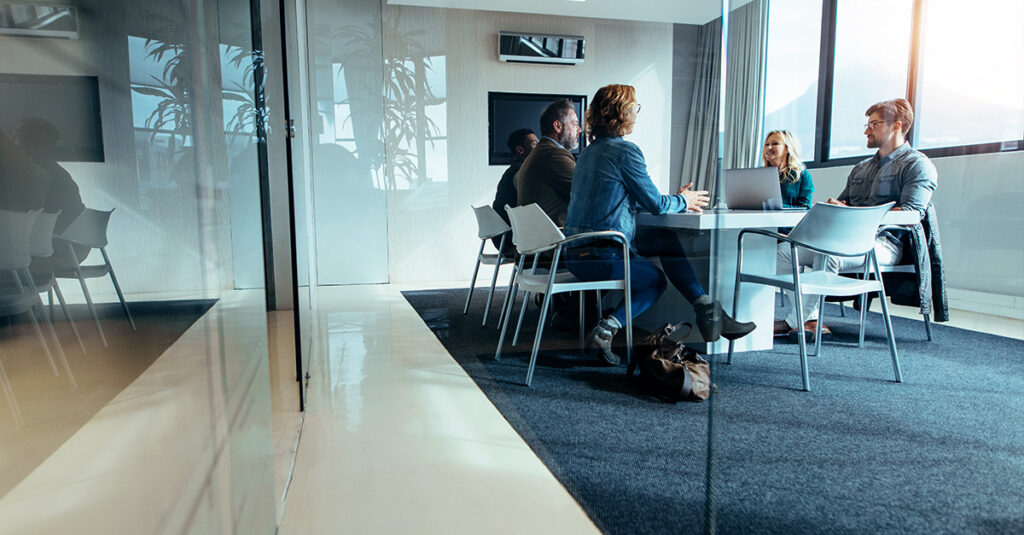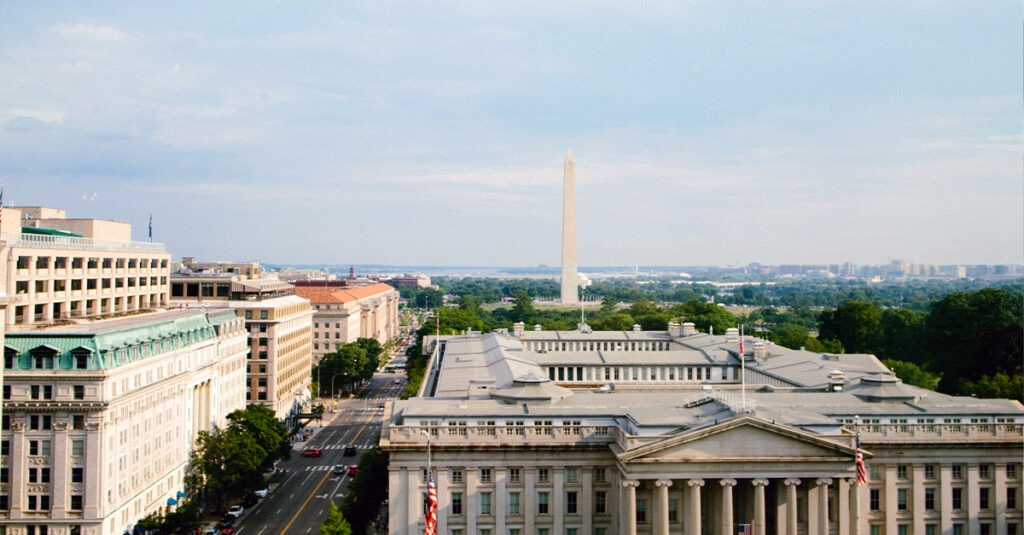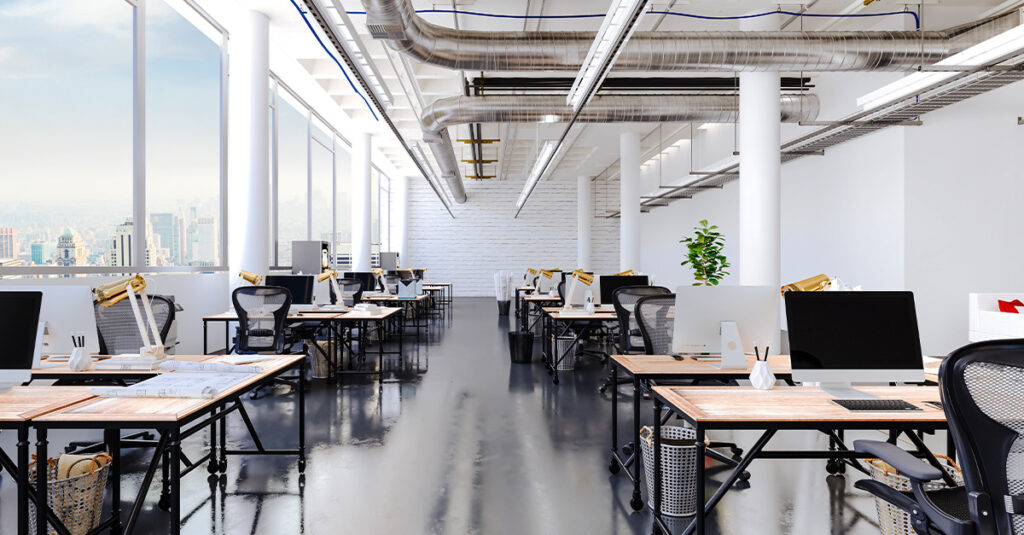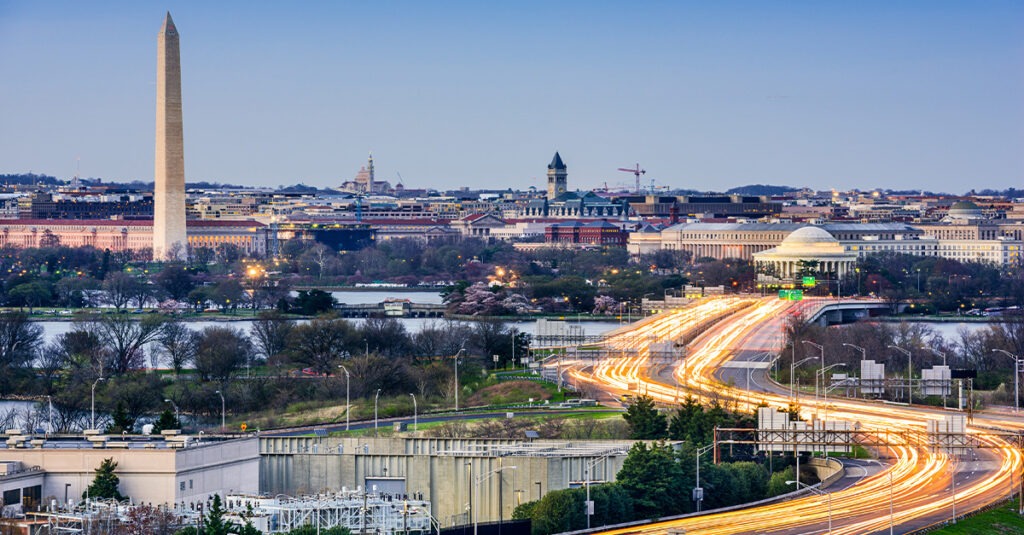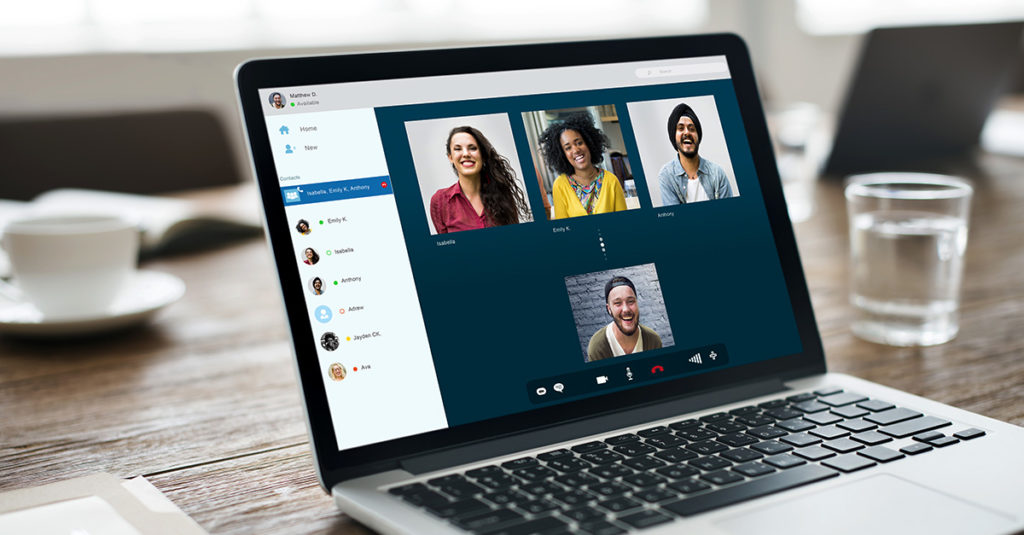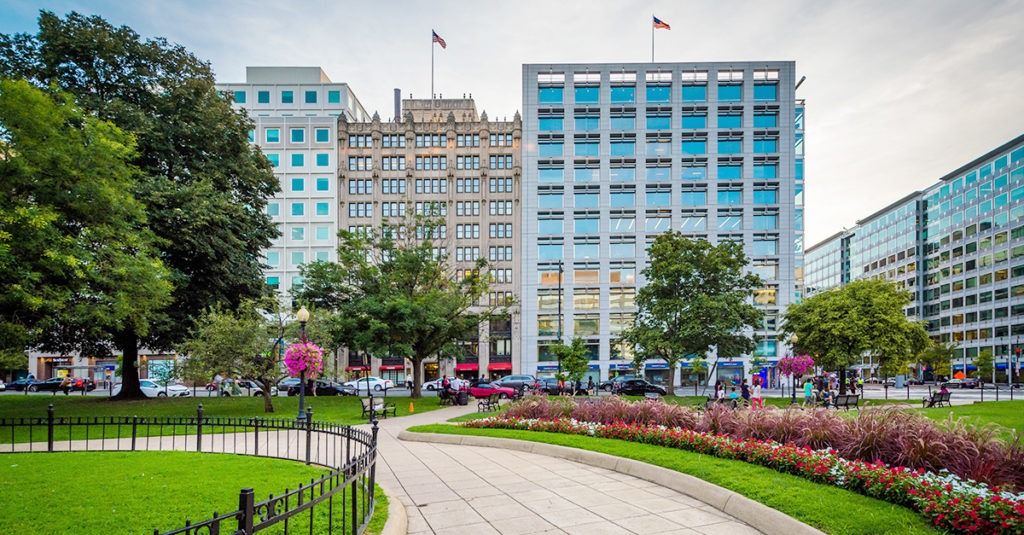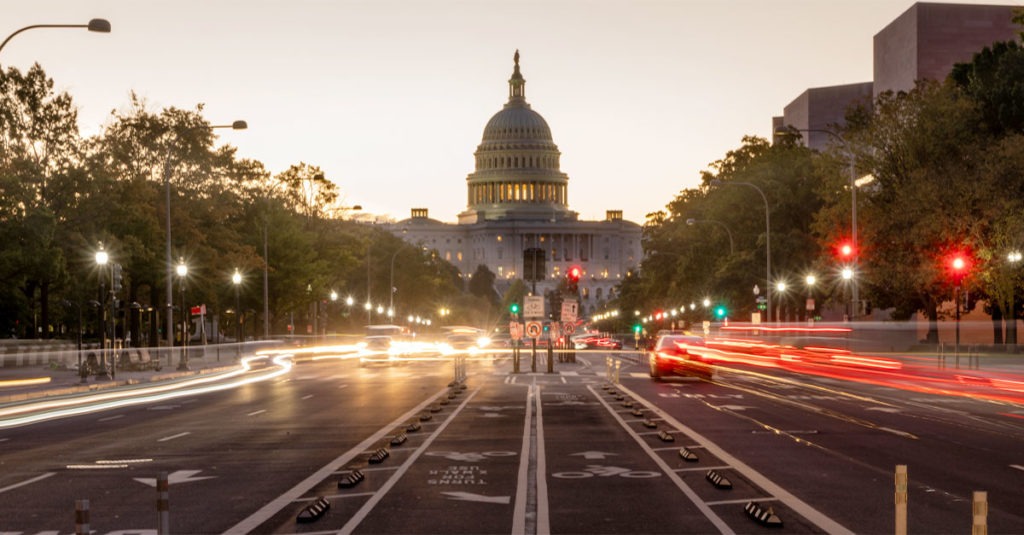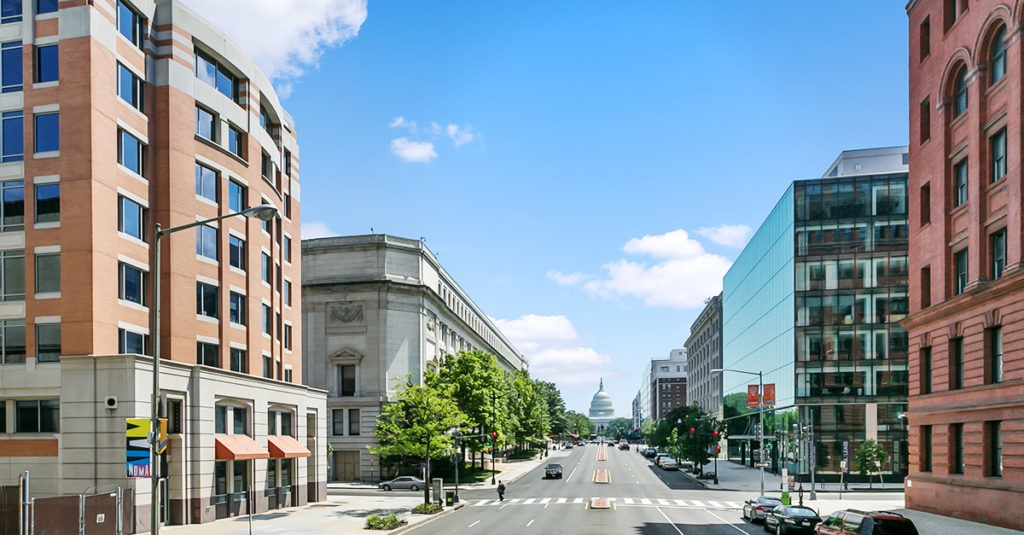


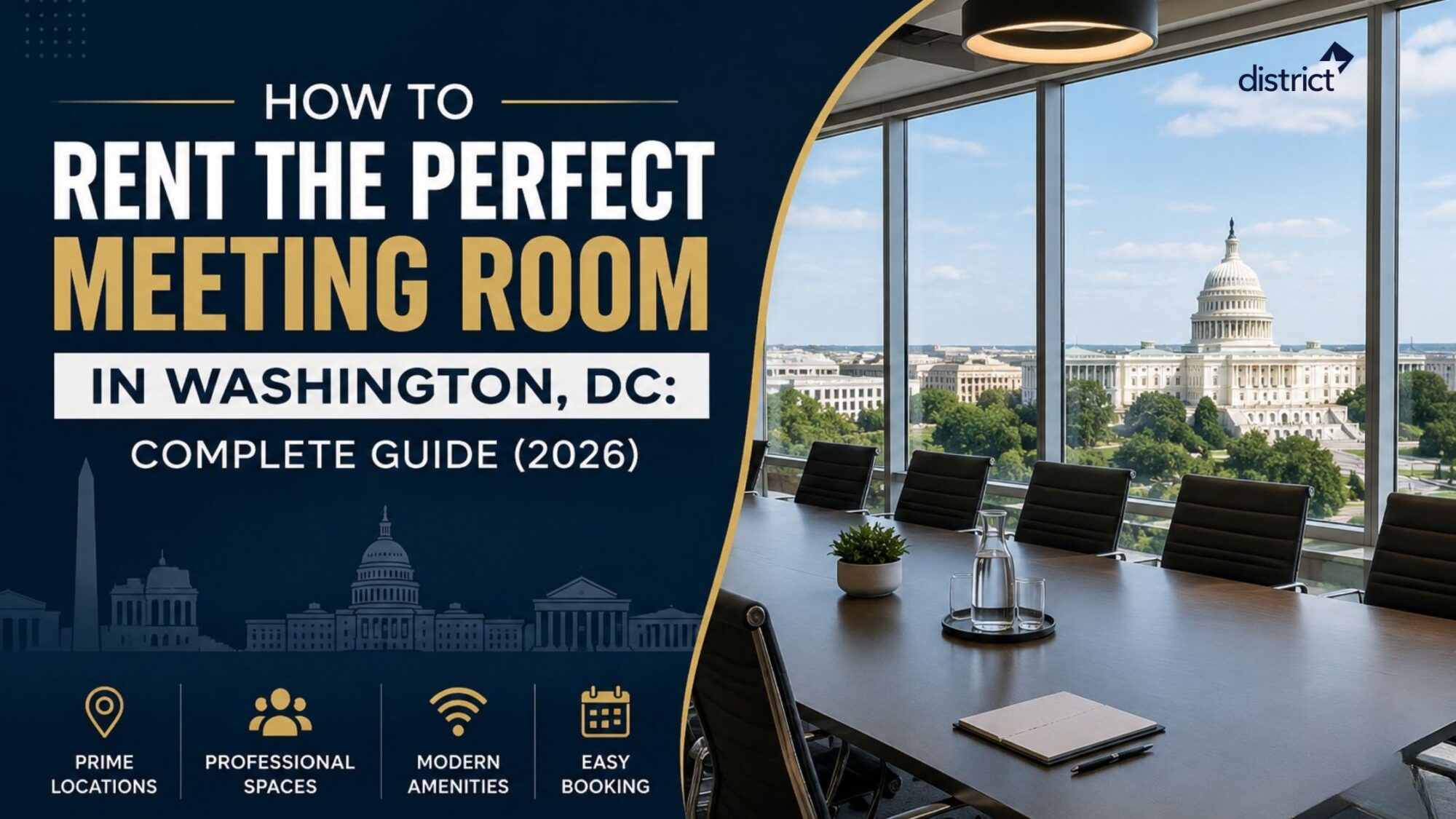
Whether you’re hosting a client presentation, interviewing candidates, conducting team training, or leading a board meeting, choosing the right meeting room can make all the difference. Washington, DC offers a wide range of professional meeting spaces—from small interview rooms to fully equipped executive boardrooms—available by the hour, half-day, or full-day.
This guide covers everything you need to know about renting meeting rooms in Washington, DC in 2026, including pricing, locations, amenities, booking tips, and how to choose the right space for your business. Modern meeting rooms increasingly prioritize hybrid collaboration, high-speed connectivity, and flexible booking options to support today’s evolving workplace needs.
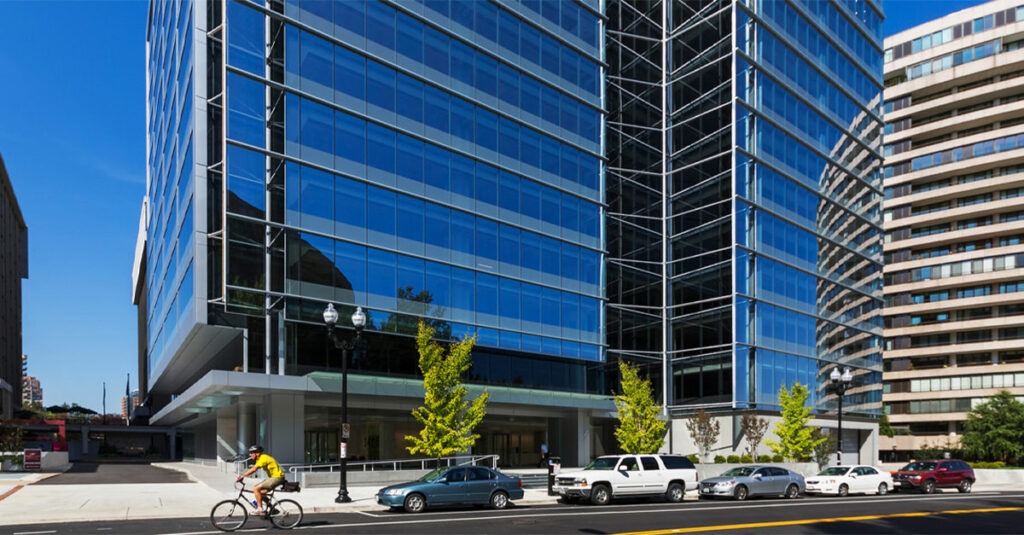
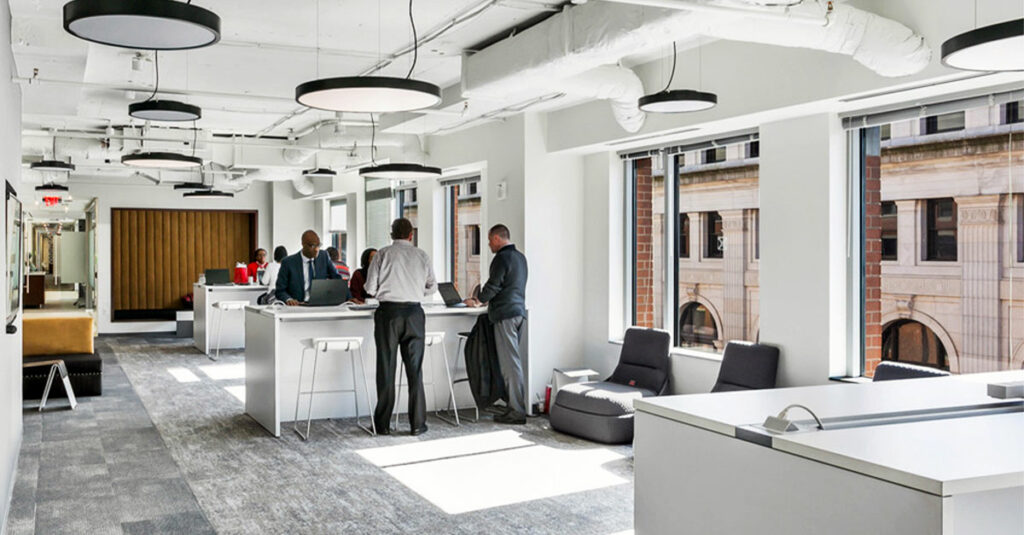
Need a professional meeting room in Washington, DC? District Offices offers fully equipped meeting rooms in prime business locations, including Farragut Square, Georgetown, Capitol Hill, and Pennsylvania Avenue. Host client meetings, interviews, presentations, or team sessions with high-speed Wi-Fi, presentation displays, video conferencing, complimentary refreshments, and flexible hourly or daily bookings—all without the cost of maintaining your own meeting space.
Table of Contents
ToggleWhy Businesses Rent Meeting Rooms in DC
Most professionals searching for meeting rooms for rent in Washington, DC do not need a permanent office just to hold meetings. A government contractor might need professional space twice a month. A consultant may need a conference room for client presentations once a week. A nonprofit might need a training room for quarterly staff sessions.
For all of these situations, renting a meeting room by the hour is the smarter financial choice. You get a fully equipped, professional space on the days you need it, without paying twelve months of rent for space that sits unused most of the time.
Washington, DC has a well-developed short-term meeting space market. Law firms, lobbying organizations, federal contractors, trade associations, and independent consultants all rely on flexible hourly rentals. Supply across the city is strong, and pricing remains competitive as a result.
Types of Meeting Rooms for Rent in DC
Choosing the right room type before you search saves time and helps you avoid paying for space that does not fit your meeting format.
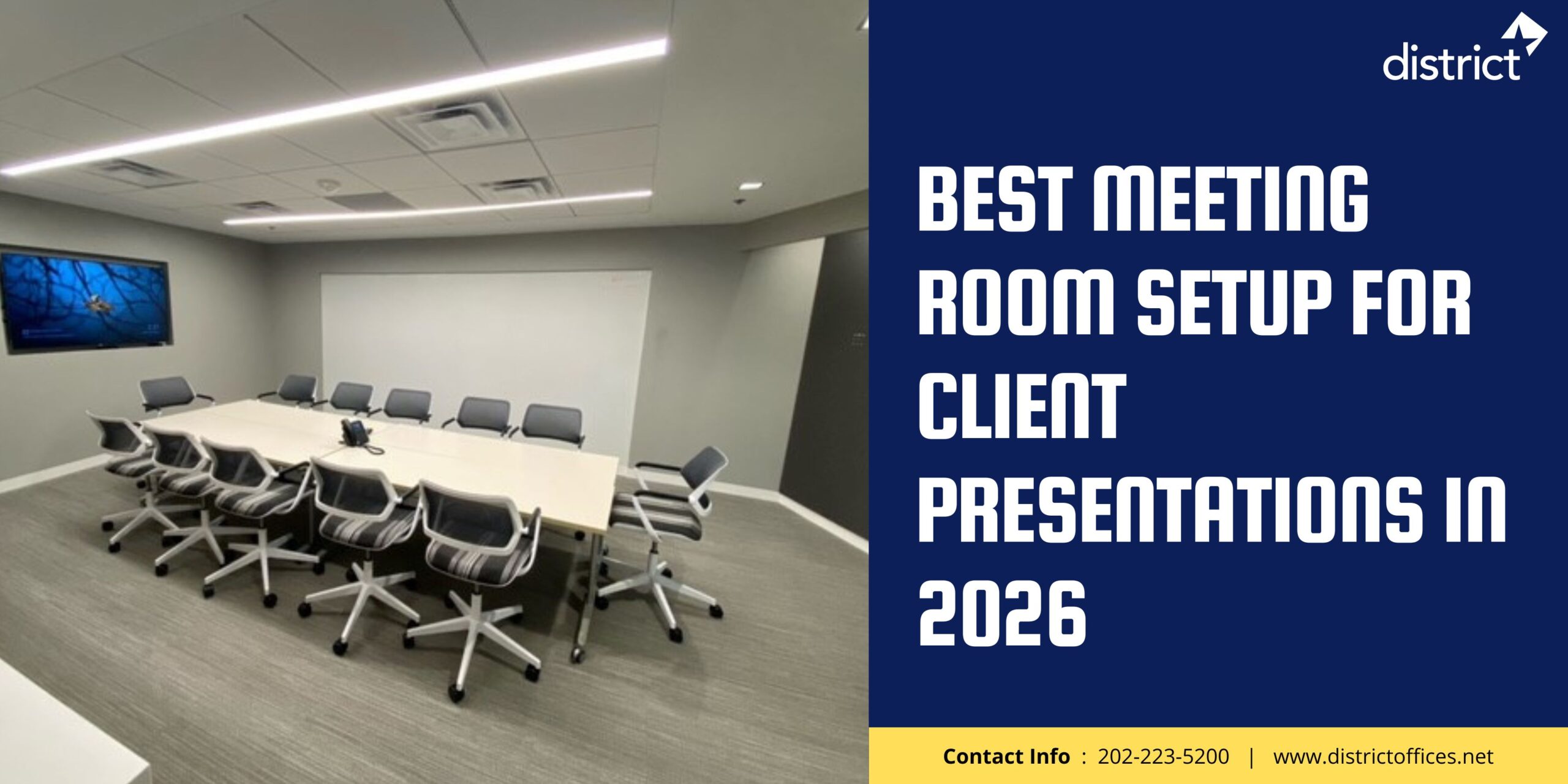
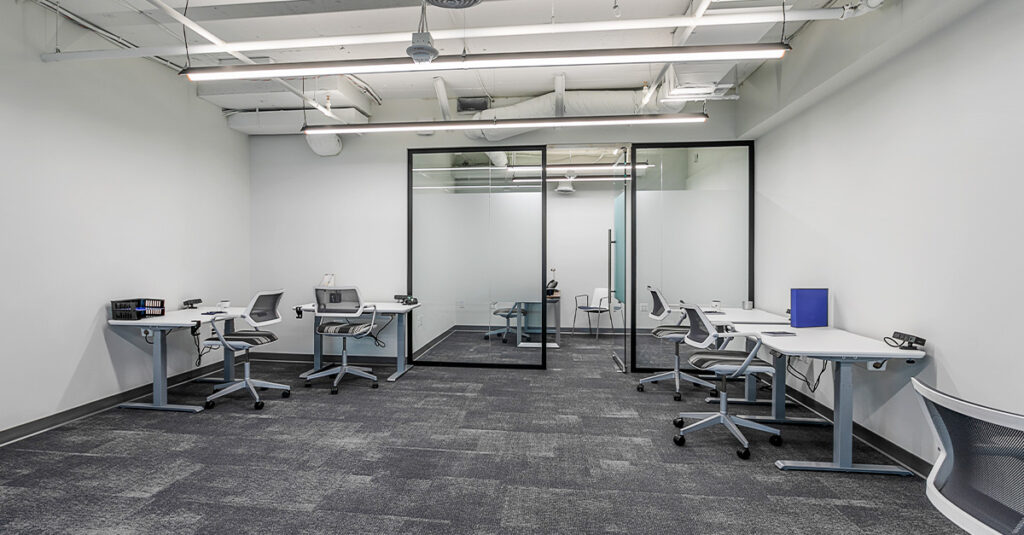
Small Conference Rooms (2 to 8 people): Private, enclosed rooms with a conference table, display screen, and Wi-Fi. The most widely available and affordable option across DC. Often bookable same-day or next-day. Best for client calls, one-on-one reviews, interviews, and focused team discussions.
Boardrooms (8 to 20 people): Larger, more formal rooms with integrated video conferencing hardware and a higher-quality setup. Use a boardroom when the setting contributes to the impression you want to make. Best for executive meetings, investor briefings, legal discussions, and senior client presentations.
Training and Workshop Rooms (20 to 60 people): Open, reconfigurable spaces with flexible seating layouts including classroom rows, theatre style, or group clusters. Built for sessions that shift format throughout the day. Best for staff training days, nonprofit board sessions, facilitated workshops, and full-team events.
Hotel Meeting Rooms: DC hotels rent conference facilities to outside organizations. These sit at the premium end of the market with catering coordinators and reception staff. Most charge a minimum spend per event rather than a simple hourly rate. Best for visiting delegations and multi-day corporate programs.
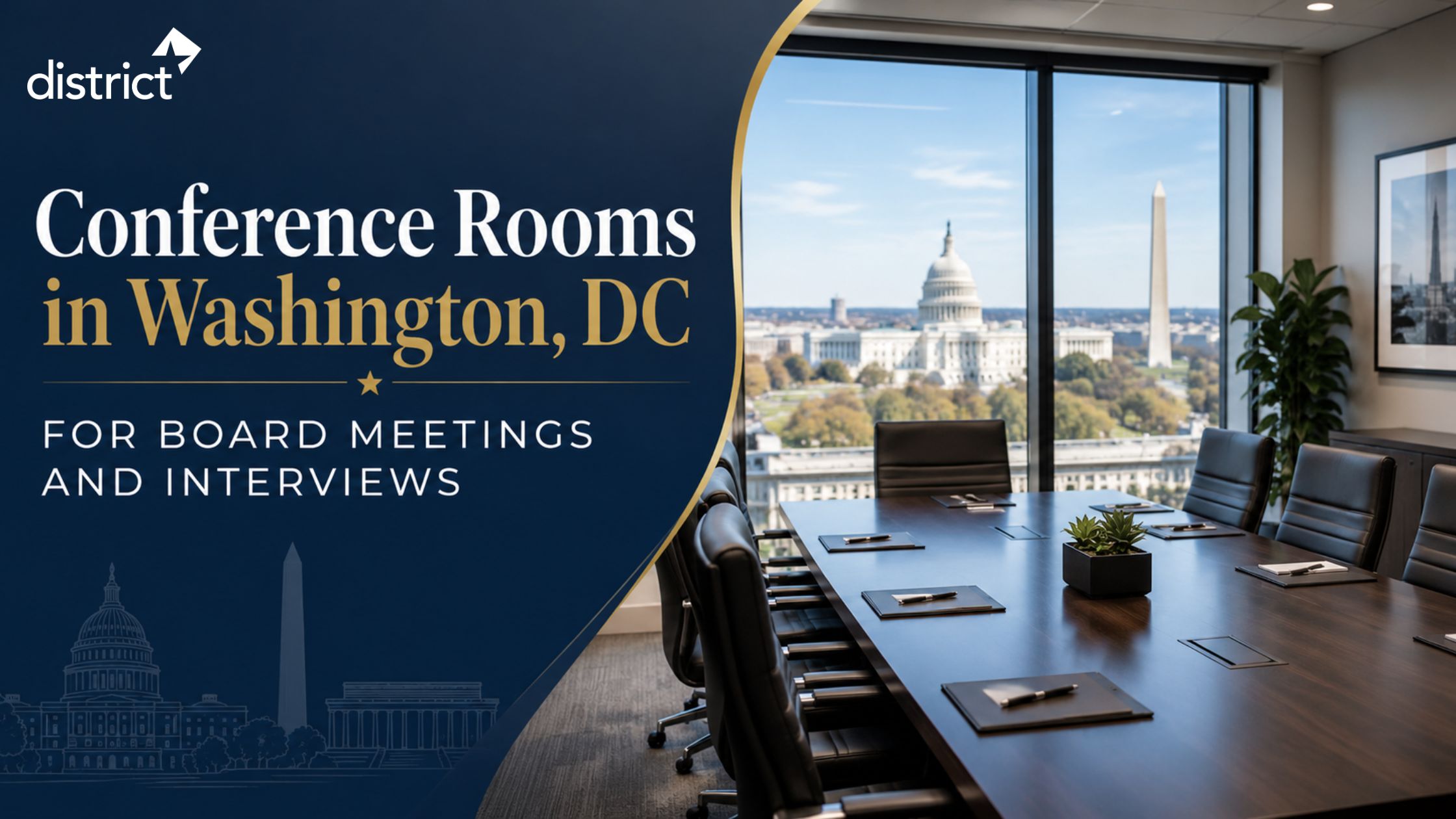
Conference Rooms in Washington, DC for Board Meetings and Interviews
How Much Do Meeting Rooms for Rent Cost in DC?
Meeting rooms for rent in Washington, DC vary widely based on room size, neighborhood, and what the posted rate covers. Here is what the market looks like in 2026.
| Room Size | Hourly Rate | Typical Use |
| Small (2 to 6 people) | $25 to $75 | Calls, quick meetings |
| Mid-size (6 to 12 people) | $50 to $100 | Client presentations |
| Boardroom (up to 20 people) | $100 to $200 | Executive sessions |
| Training room | $100 to $300 | Workshops, team days |
| Hotel venue | $150+ minimum | Formal events |
The citywide average for meeting rooms for rent in DC is approximately $112 per hour across all room types. Budget options in outer neighborhoods start around $25 per hour for small groups.
Pro Tip: As a general market benchmark, pay-per-use conference rooms nationally average around $45 per hour. If a standard DC room is quoting well above that without clear justification, it is worth comparing before confirming.
Several DC providers now use demand-based pricing. The 10 AM to 2 PM window on Tuesday through Thursday is consistently the most expensive time of the week. Booking a Monday morning or Friday afternoon slot can reduce the cost by 20-30% without any change in room quality. If your schedule is flexible, that time shift is worth checking.
Always confirm what the rate includes. A lower hourly rate that excludes Wi-Fi, AV equipment, and parking can end up costing more than a higher rate that bundles everything together.
Private Office Space for Rent in Washington, D.C.: Cost, Locations, and What to Expect
Best DC Neighborhoods to Rent a Meeting Room
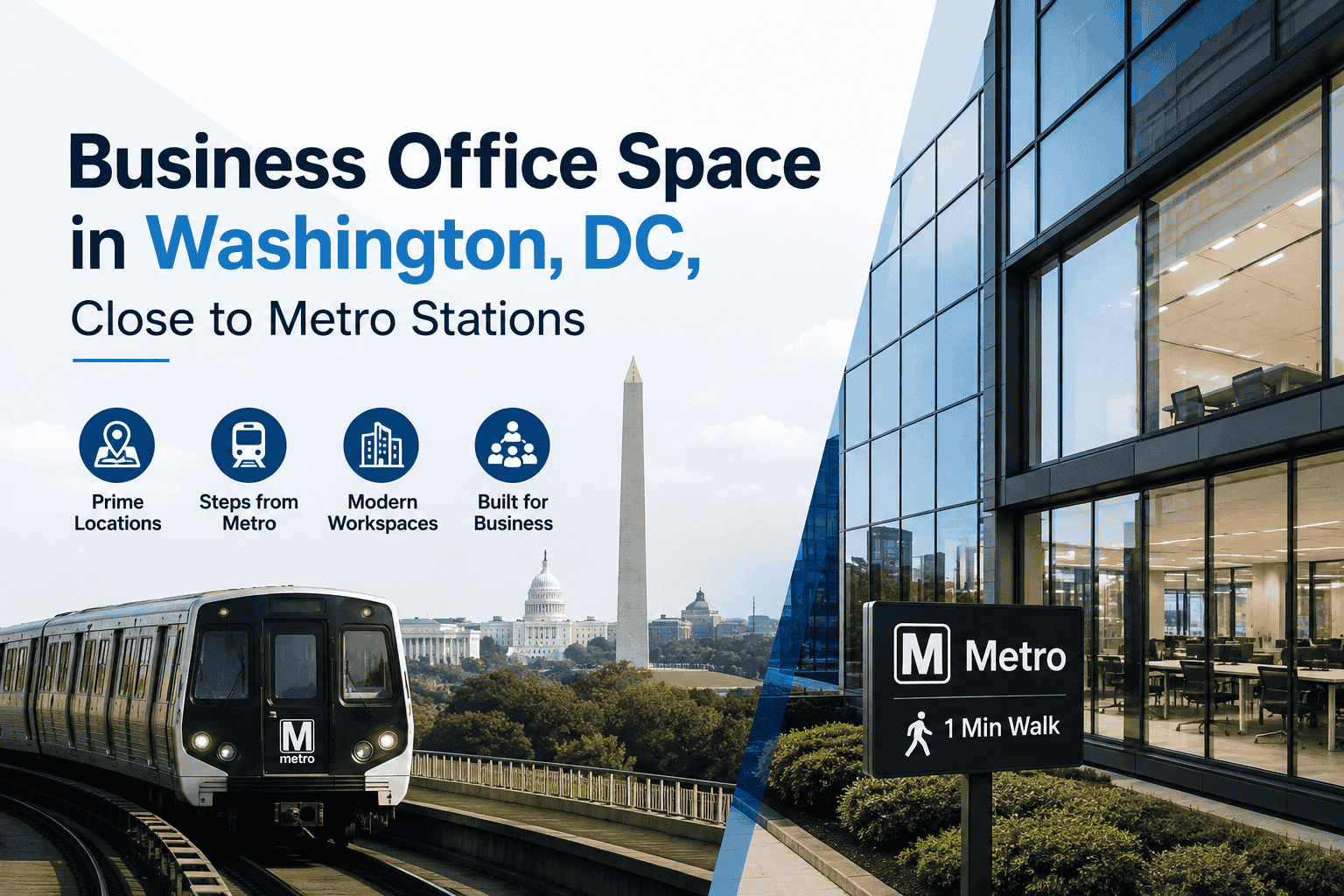
Two factors should guide your neighbourhood choice: how the address reads to your attendees and how straightforward it is for everyone to get there. DC’s Metro network is the most dependable way to get around the city, so proximity to a station is a practical consideration to factor in early.
K Street and I Street NW (Downtown DC): The highest concentration of professional meeting rooms for rent in DC. Trade associations, law offices, and government affairs teams work in this corridor. Strong supply keeps pricing competitive despite the central address. Works well for legal meetings, contractor briefings, and client presentations.
Capitol Hill: The natural choice for policy, advocacy, and federal contracting work. Close to Congressional offices, federal agencies, and established advocacy organizations. Union Station and Capitol South Metro stops cover the area well. Works well for policy briefings, government stakeholder sessions, and nonprofit government relations.
Dupont Circle: One of the most transit-accessible neighborhoods via the Red Line. Draws nonprofits, consultants, and international organizations. Meeting spaces here tend to have a less corporate feel than K Street. Works well for consulting sessions, nonprofit strategy meetings, and think tank discussions.
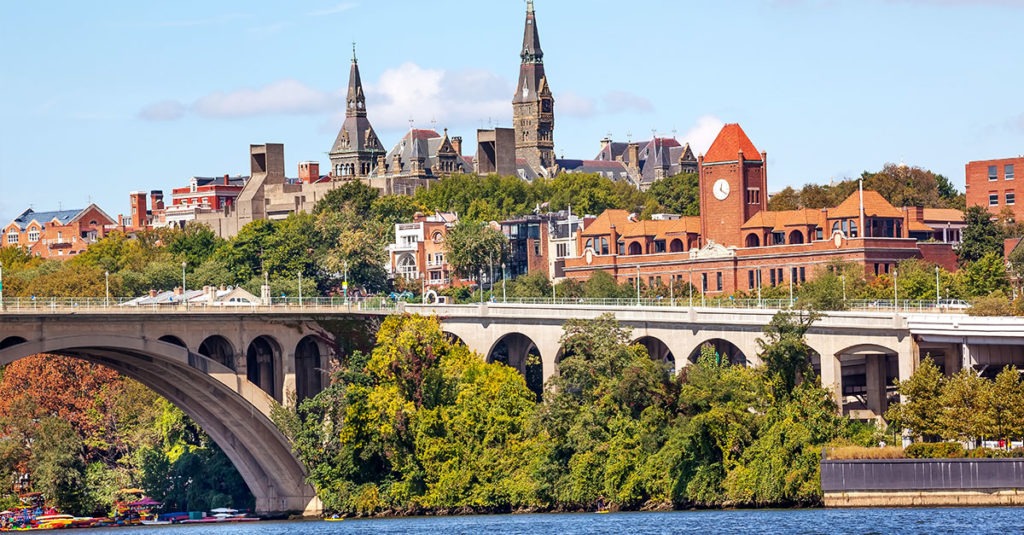
Georgetown: A premium address recognized by legal, financial, and university-connected organisations. Spaces here tend to be quieter and better appointed than comparable Downtown options. One practical consideration: Georgetown has no Metro station. Attendees from Virginia, Maryland, or other DC neighborhoods will need a bus, rideshare, or car. Factor this in before finalising the location. Works well for senior-level client meetings, private briefings, and discussions where address prestige matters.
Navy Yard and NoMa: Modern spaces at slightly more competitive rates than Downtown. The Navy Yard Metro stop provides direct access. Both neighborhoods attract technology firms and startup teams. Works well for tech discussions, startup pitches, and creative workshops.
What to Confirm Before You Book
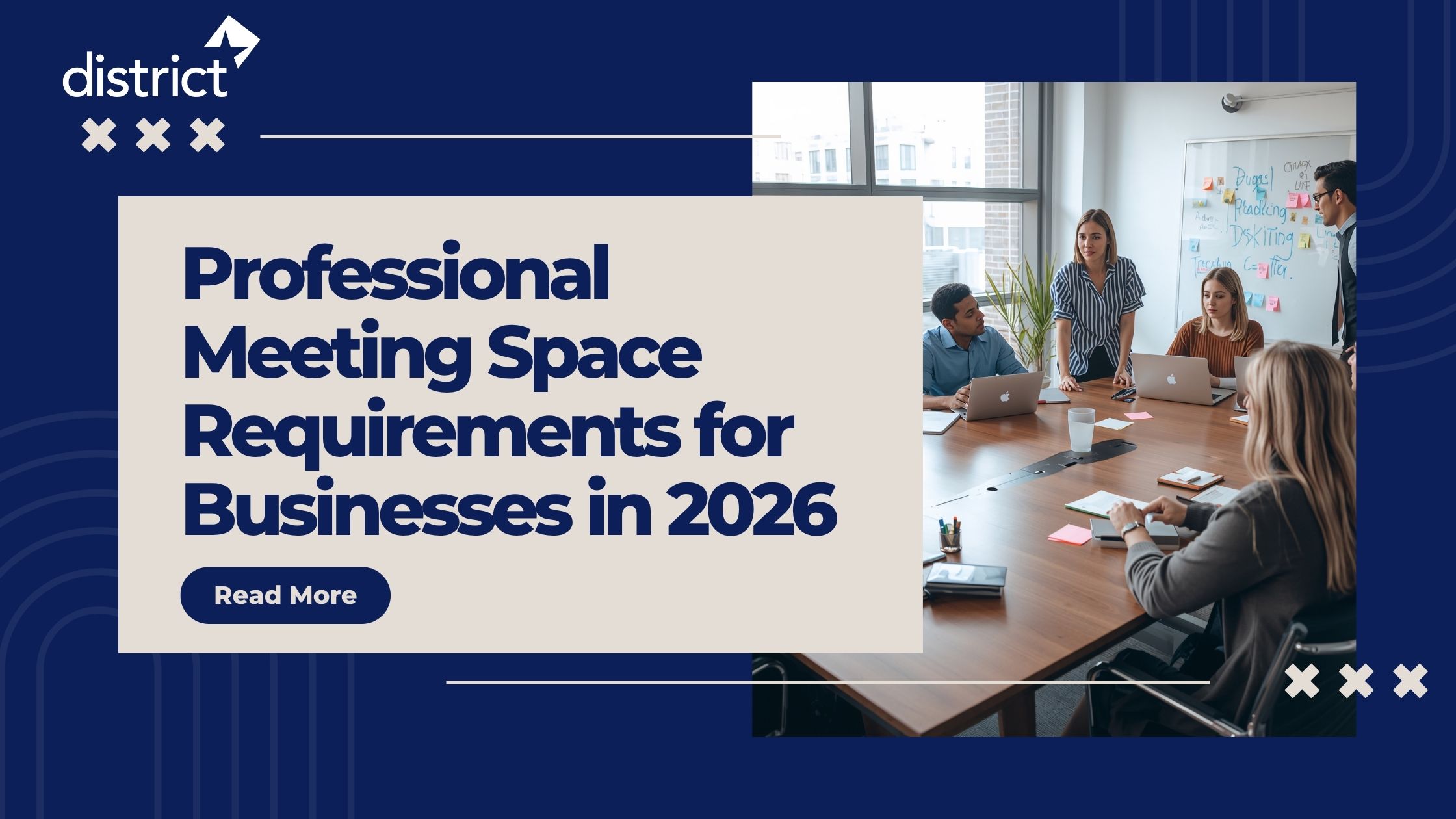
Most meeting rooms for rent in Washington, DC include high-speed Wi-Fi, a display screen, a whiteboard, and seating as standard. Before confirming any booking, check the following:
- Video conferencing setup: A screen with an HDMI input is not the same as a proper video conferencing setup. If remote participants are joining, ask specifically whether the room has a dedicated camera, microphone, and speakerphone.
- Catering: Some rooms include coffee and water in the base rate. Others charge separately. For sessions over two hours, confirm what refreshment options are available.
- Parking: Central DC parking is limited and expensive. Ask whether the building has on-site or validated parking if any attendees are driving.
- What the rate covers: AV equipment, parking, and administrative support are often charged on top of the base rate. Ask for a clear breakdown before confirming.
Pro Tip: Arrive fifteen minutes before your first attendee. Test the display connection, confirm Wi-Fi is connected, and check that any video conferencing software is signed in. A short setup check prevents technical problems from derailing the start of your meeting.
5 Booking Mistakes to Avoid in Meeting Rooms
1. Trusting listed capacity over working capacity:
A room listed as seating ten usually means ten people with very little room to spare. Book for two or three more seats than your actual headcount. The extra space changes how a working session feels.
2. Taking the hourly rate as the full cost:
The posted rate often covers only the room. Confirm what is included. A cheaper room with multiple add-ons can easily cost more than a higher-rate room that bundles everything.
3. Choosing a location without checking how each attendee is travelling:
A strong address is worth nothing if people struggle to get there. Confirm transit options for every attendee before settling on a neighbourhood.
4. Missing off-peak pricing:
Tuesday through Thursday between 10 AM and 2 PM are the most expensive windows for meeting rooms for rent in DC. The same room booked on a Monday morning or Friday afternoon is often 20 to 30% cheaper with identical quality.
5. Setting up technology in front of your client:
Get to the room fifteen minutes before the meeting starts. Fix any connection or software issues before the first person walks in. It takes very little time but makes a significant difference to how the meeting opens.
District Offices: Meeting Rooms for Rent in Washington, DC
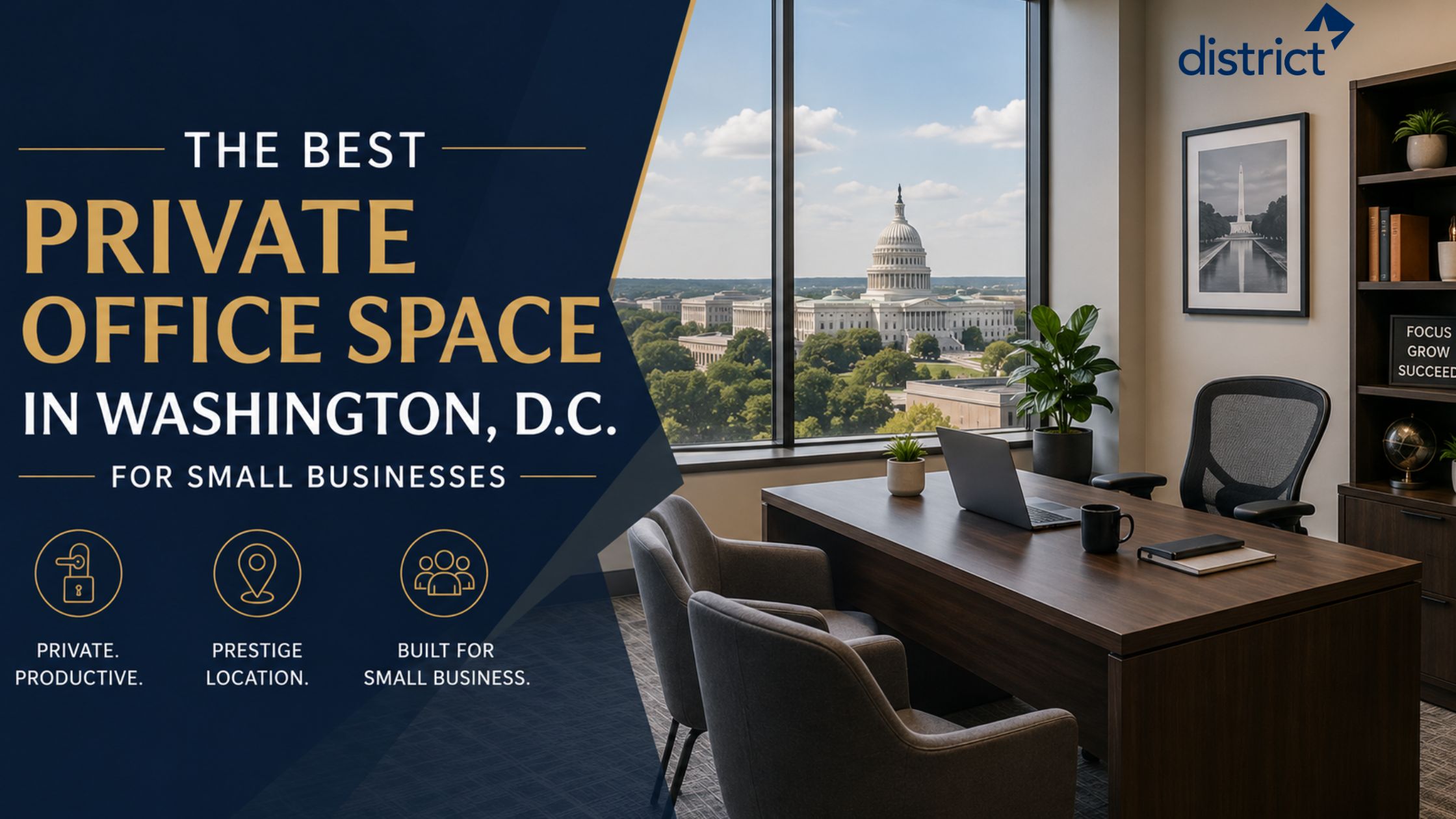
District Offices provides fully equipped meeting rooms for rent in Washington, DC, across four prime locations. Rooms are available by the hour or day, open to both members and non-members, with no membership or long-term commitment required.
What District Offices Provide
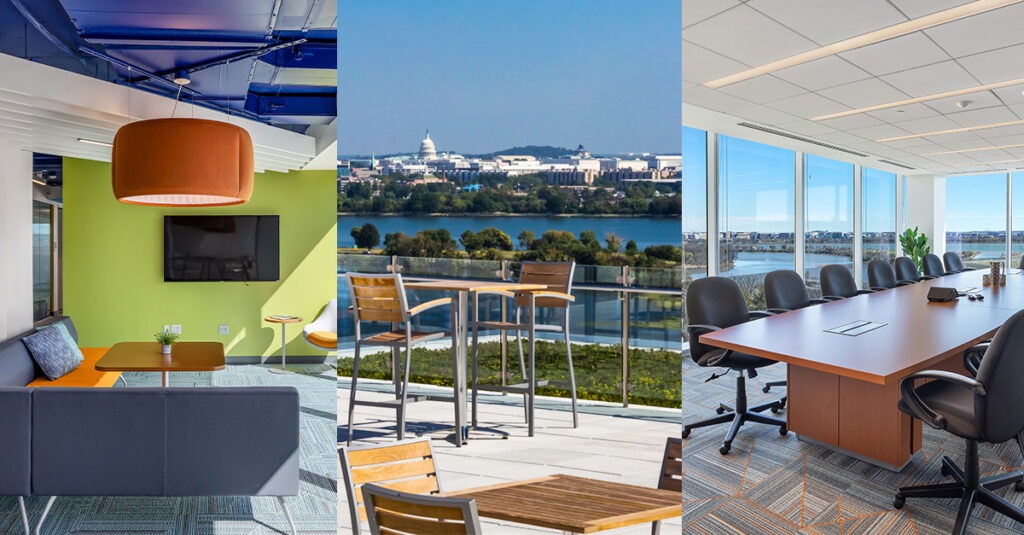
Meeting Rooms: Conference rooms for groups of all sizes, bookable by the hour or day. Each room includes plug-and-play technology, high-speed Wi-Fi, video conferencing capability, and catering options. Available to members and non-members alike.
Event Spaces: Multifunctional venues for corporate events, workshops, product launches, and networking gatherings. Flexible layouts across all four locations, with the Capitol Hill location offering an 88-person training room and a rooftop lounge.
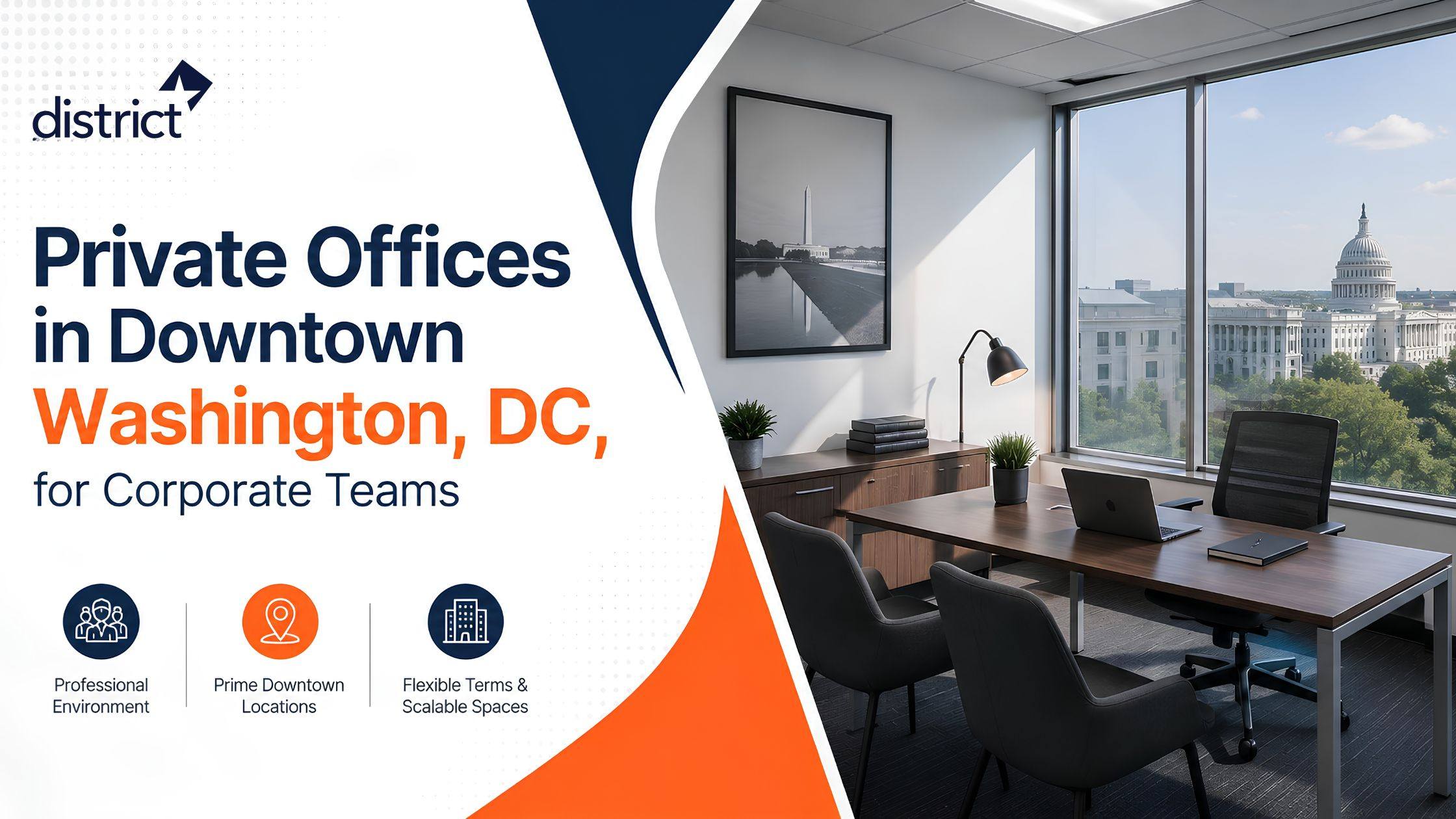
Private Offices: Fully furnished offices on flexible monthly terms. Includes 24/7 building access, ergonomic workstations, daily professional cleaning, and shared conference room access.
Coworking Spaces: Shared professional workspaces with hot desk access, high-speed internet, complimentary coffee and tea, and access to meeting rooms during business hours.
Virtual Offices: A credible DC business address with mail and package handling, live phone answering, and optional meeting room access. Suited to remote-first businesses that need a professional DC presence.
Hybrid Offices: Flexible workspace access for teams that split their time between remote and in-person work, without a full-time office commitment.
Every District Offices location includes furnished workstations, high-speed Wi-Fi, 24/7 building access, conference room access, on-site administrative support, daily professional cleaning, complimentary coffee and tea, kitchen access, and on-site security.
District Offices Locations
Georgetown: 1101 30th Street NW, Fifth Floor, Washington, DC 20007. Steps from Washington Harbor and the C&O Canal. Includes conference rooms, a fitness centre with private showers, a parking garage, and 24/7 security.
Farragut Square: 1025 Connecticut Avenue NW, Suite 1000, Washington, DC 20036. At the center of DC’s Central Business District with two Metro lines one minute away. Includes a 25-person training room, eight conference rooms, and electric car charging stations.
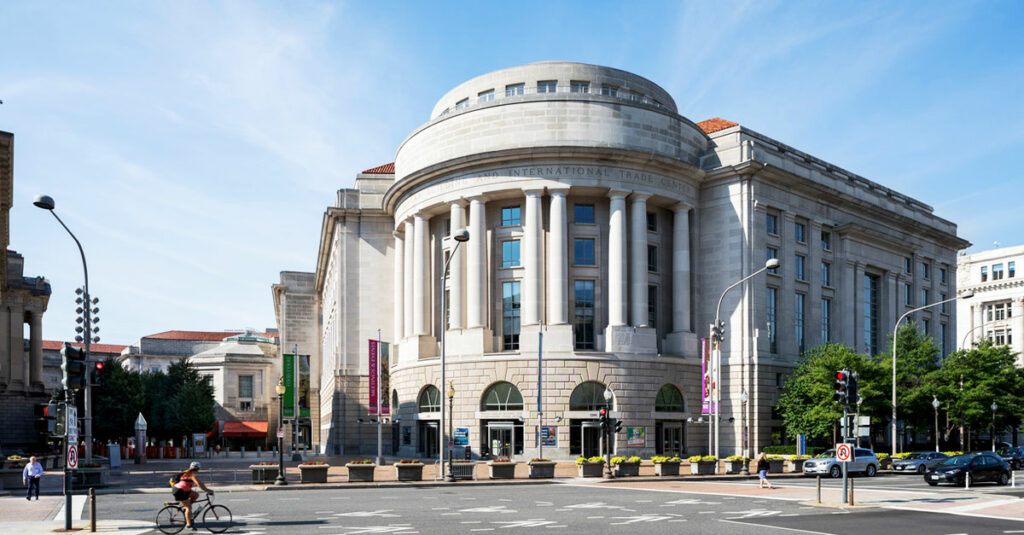
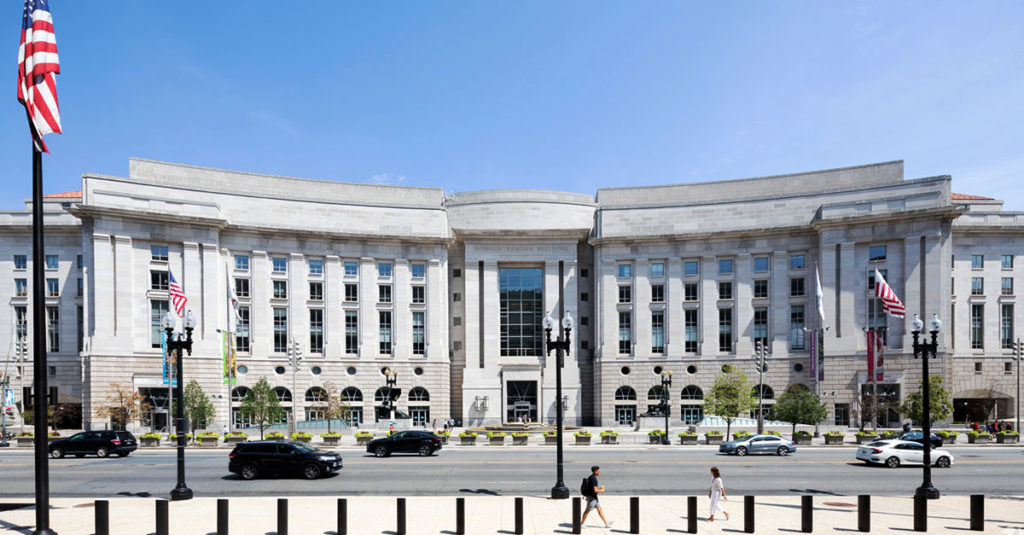
Pennsylvania Avenue: Ronald Reagan Building, 1300 Pennsylvania Avenue NW, Suite 700, Washington, DC 20004. Three blocks from the White House with the Federal Triangle Metro entrance inside the building. Includes a 66-person training room and an on-site food court with over 20 dining options.
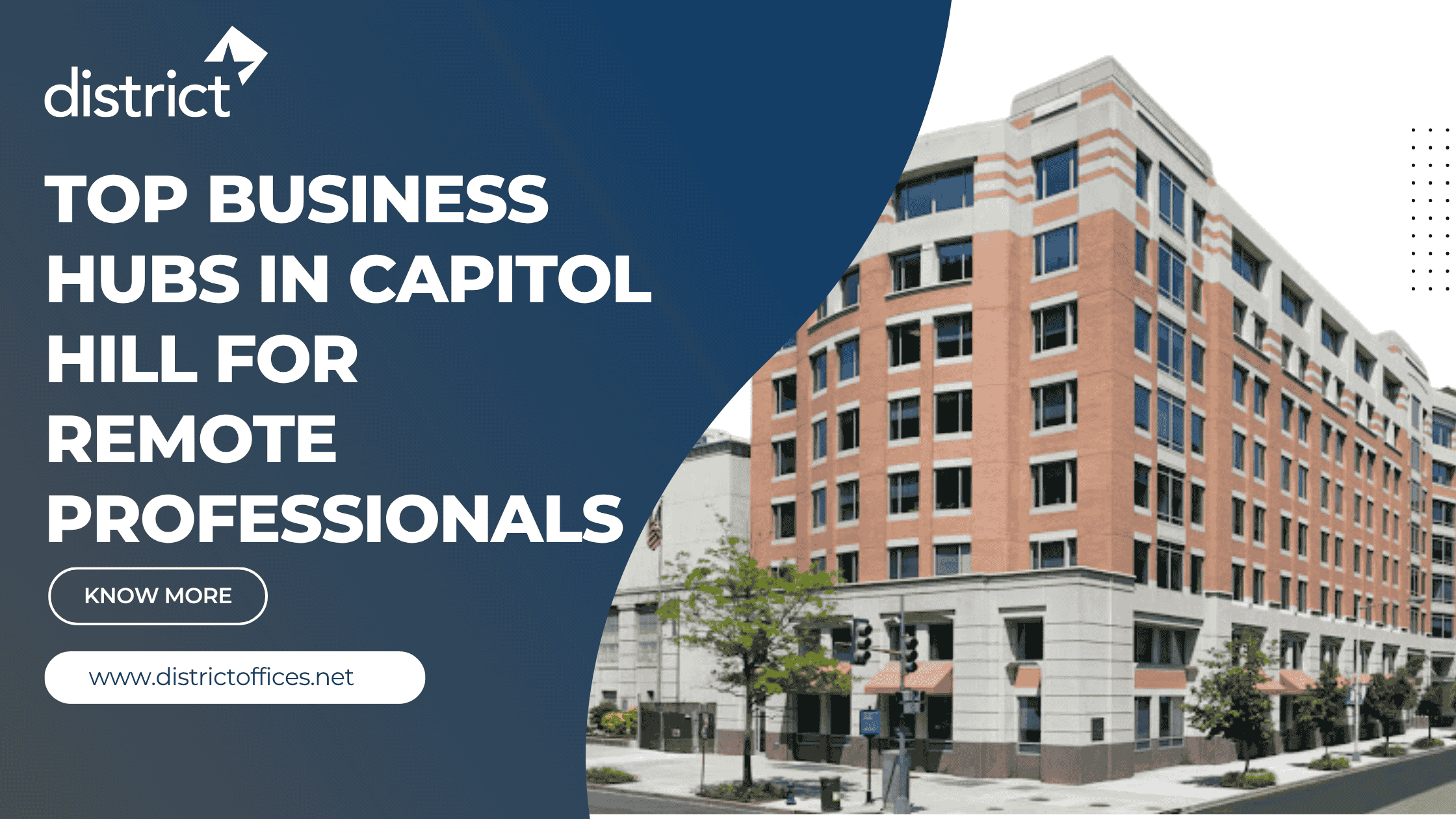
Capitol Hill: 10 G Street NE, Suite 600, Washington, DC 20002. Half a block from Union Station with direct access to Amtrak, Metro, and commuter rail. Includes a rooftop lounge, an 88-person training room, five conference rooms seating 6 to 16 people, private call booths, and an on-site fitness center.
To book a meeting room, visit districtoffices.net/meeting-spaces-washington-dc or call 202.223.5200.
Frequently Asked Questions
Ans: Small to mid-sized meeting rooms for rent in Washington, DC range from $35 to $100 per hour. Budget options start around $25 per hour. Premium boardrooms and hotel venues run $150 to $200 per hour or more. The city-wide average is approximately $112 per hour.
Ans: Yes. District Offices conference rooms are available by the hour or by the day, with no membership required and no long-term commitment. Non-members can book directly online or by calling 202.223.5200.
Ans: The K Street corridor is well-suited to general business use. Capitol Hill is the practical choice for government and policy work. Dupont Circle works well for nonprofits and consultants. Georgetown suits high-stakes client meetings where address prestige matters. The Navy Yard and NoMa are ideal for technology and startup teams. District Offices has locations covering Farragut Square, Pennsylvania Avenue, Capitol Hill, and Georgetown.
Ans: Standard inclusions are high-speed Wi-Fi, a display screen, a whiteboard, and seating. At District Offices, rooms also include plug-and-play technology, video conferencing capability, catering options, and on-site administrative support.
Ans: Same-day availability is common for meeting rooms for rent at District Offices. For larger groups, training sessions, or high-demand periods such as Congressional session weeks, booking two to four weeks in advance is advisable.
Ready to book? District Offices has meeting rooms for rent across four prime Washington, DC locations, available by the hour with no membership required. Visit districtoffices.net or call 202.223.5200 to check availability and reserve your room.