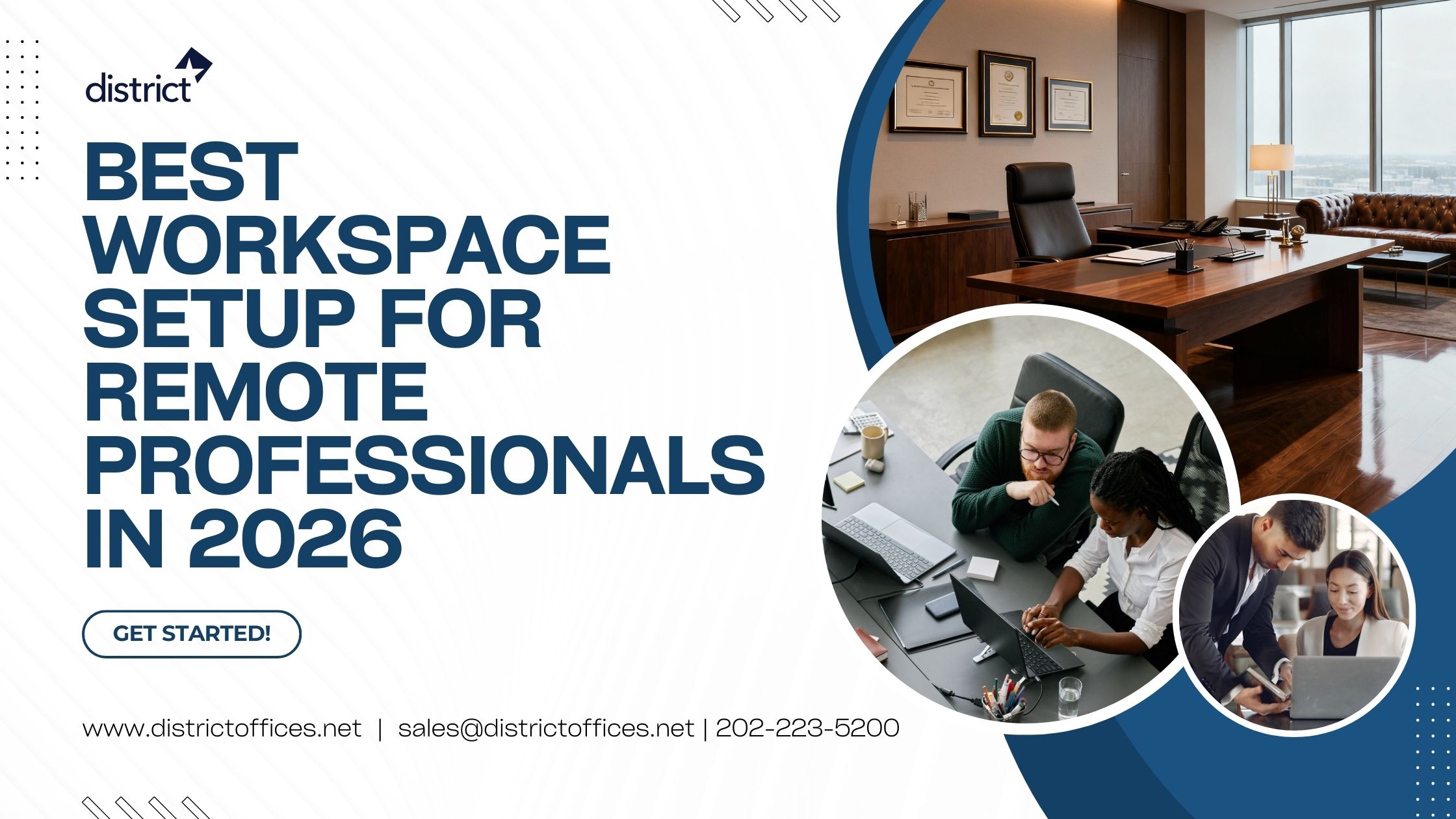


Your remote workspace setup in 2026 is no longer optional equipment. It is the foundation of your professional output, your health, and your reputation on every video call. Millions of professionals are still using the same temporary home-office setup they put together years ago. If that sounds familiar, it is time for a real upgrade. The right workspace setup for remote professionals does more than look good. It reduces physical strain, sharpens your focus, improves the quality of your video calls, and helps you create a clear boundary between work and personal life.
According to Bureau of Labor Statistics data reported by Gable.to, approximately 34.6 million employed Americans teleworked in August 2025, with the U.S. remote work rate holding steady between 17.9% and 23.8% since late 2022. That stability shows remote work has become a baseline feature of modern professional life, not a temporary experiment.
Meanwhile, Robert Half’s Q4 2025 data shows that 24% of new job postings were hybrid and 11% were fully remote, with hybrid arrangements continuing to dominate how professionals split their time. But these productivity benefits only hold when your physical workspace is properly set up. This guide covers every key element of the best remote workspace setup for 2026.
Also Read: What Makes a Workspace Truly “Executive-Ready” in Washington, DC?
Key Elements of the Best Workspace Setup for 2026: A Step-By-Step Guide
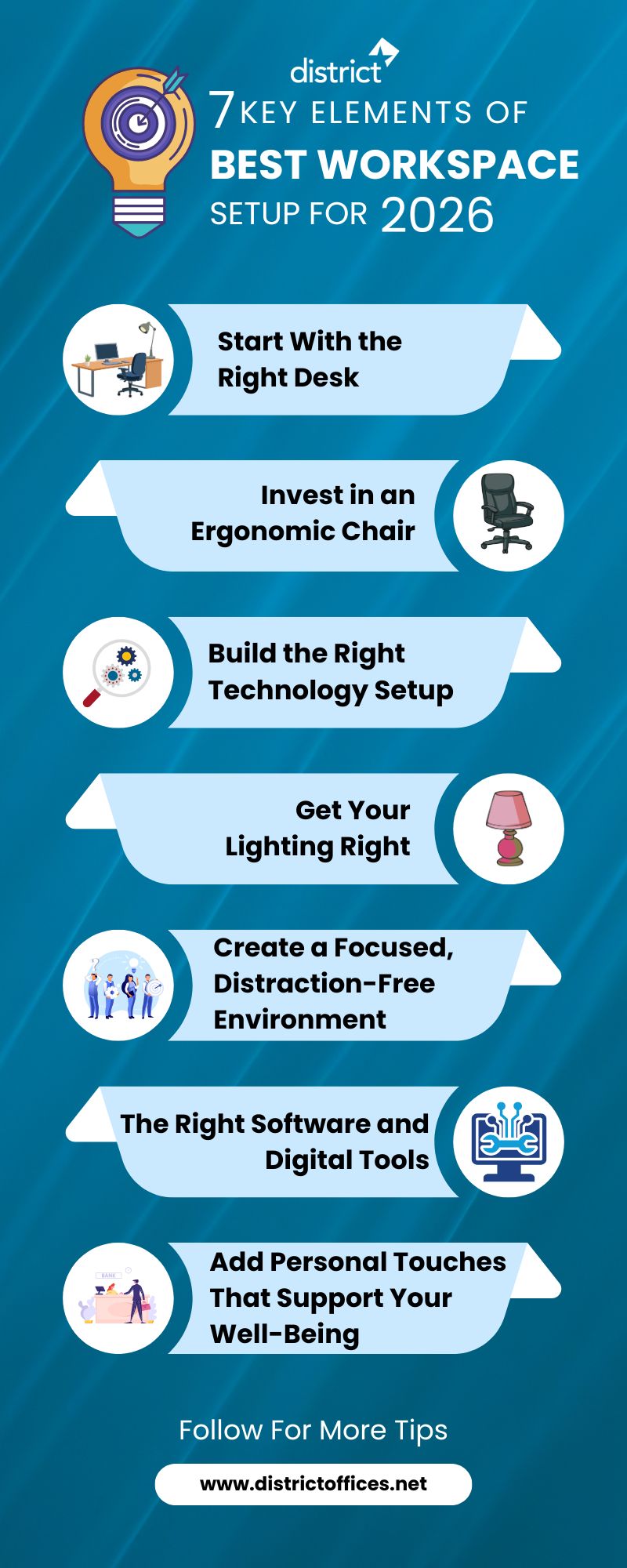
Follow the stepwise guide below to set up the best workspace for 2026. These key elements help you make the environment productive for professionals.
Step 1: Start With the Right Desk
Your desk is the anchor of your remote workspace. Everything else builds around it, so choosing the right one matters more than most people realize.
You need enough surface area to hold your monitor, keyboard, and supporting materials without feeling cramped. According to research by McKinsey reported by Valamis, employees spend an average of 1.8 hours every day searching for information and documents. An organized, well-sized desk with dedicated storage helps significantly cut that wasted time.
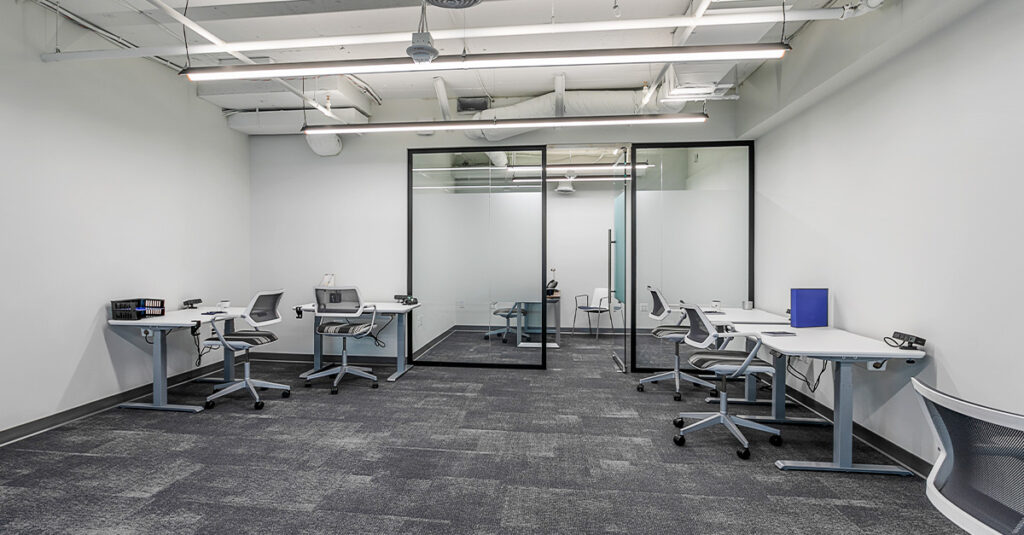
Standing desks have become a standard feature in high-performing remote setups. The ability to alternate between sitting and standing throughout the day reduces fatigue, supports better posture, and keeps your energy levels more consistent. Electric sit-stand desks give you smooth, adjustable height transitions without any effort. If a full standing desk is not in your budget, a desk converter that sits on an existing desk offers a more affordable entry point.
Corner and L-shaped desks work well for professionals who multitask, manage multiple screens, or need dedicated zones for different tasks. They make efficient use of space without cluttering the room. For smaller living spaces, compact desks with built-in storage help maintain a clean, focused environment.
Step 2: Invest in an Ergonomic Chair
After your desk, your chair is the most important investment in your remote workspace setup. You likely spend between eight and ten hours a day in it. A chair that does not support your body properly leads to chronic back and neck pain, and that pain directly reduces how well you work.
A good ergonomic chair should offer lumbar support to maintain the natural curve of your lower back, and adjustable seat height. Hence, your feet rest flat on the floor, the armrests are at elbow height to prevent shoulder tension, and the breathable materials keep you comfortable during long sessions.
The payoff is real. Research by the Washington State Department of Labor & Industries, covering 250 case studies, found that businesses implementing ergonomic programs saw a 25% increase in productivity and a 48% reduction in employee turnover. For remote professionals, investing in a quality chair is one of the clearest investments available.
Step 3: Build the Right Technology Setup
Your technology stack is the engine of your remote work. Getting this right is essential. Here is what the best remote workspace setup in 2026 looks like on the tech side.
Dual monitors have become one of the most recommended upgrades for remote professionals. Jon Peddie Research, based on surveys of over 1,000 end users, found that multiple monitor users report an average productivity increase of 42%. You can keep reference material on one screen while actively working on the other, eliminating the constant switching between applications that drains focus and time.
A quality webcam matters more than people expect. Built-in laptop cameras often produce grainy, unflattering video in anything other than perfect lighting. Since your video feed is often your first impression with clients and colleagues, upgrading to an external webcam with strong low-light performance and high-resolution makes a visible difference.
Noise-canceling headphones protect your focus during deep work sessions and ensure crisp, clear audio during calls. Look for models with active noise cancellation to block household and traffic noise, and a built-in microphone for routine calls.
Your internet connection is the lifeline of remote work. A dual-band router helps manage bandwidth when others in your household are streaming simultaneously. A reliable VPN protects sensitive client data and provides secure access to work networks. Do not overlook this part of your setup.
Step 4: Get Your Lighting Right
Lighting is one of the most overlooked elements of a remote workspace setup, yet it affects both your health and your professional image on camera.
Natural light is always the best starting point. Position your desk perpendicular to a window so you benefit from natural brightness without direct glare on your screen. Natural light reduces eye strain, improves mood, and makes your video feed look more professional.
For times when natural light is not enough, a task lamp with adjustable brightness and color temperature gives you control over your environment. Cooler, brighter light helps you stay alert during demanding work sessions, while warmer tones create a more relaxed atmosphere for lighter tasks. For video calls specifically, a ring light or a well-positioned key light placed in front of your face eliminates shadows and presents you clearly on screen.
Step 5: Create a Focused, Distraction-Free Environment
Your physical environment shapes how your brain works. This is well established by research. According to Gloria Mark, a professor of informatics at the University of California, Irvine, workers are interrupted or self-interrupt every three minutes, and it can take up to 23 minutes to fully regain focus after each disruption. That means a single distraction can cost you nearly half an hour of productive work time.
Set up your workspace in a dedicated room if possible. If you share your living space, use a visual divider, bookshelf, or room screen to create a clear boundary between your work area and the rest of your home. This signals to your brain that it is time to focus, which has a meaningful effect on concentration and output.
Keep your desk clear of clutter. A clean, organized space reduces mental noise and makes it easier to move through your workday with clarity. Use cable management solutions to keep cords tidy, and make sure your frequently used tools are within easy reach so you are not constantly searching for things.
If you work in a noisy environment, noise-canceling headphones do double duty. They block external sounds during focused work sessions and signal to others in your home that you are not to be disturbed.
Step 6: The Right Software and Digital Tools
The best remote workspace setup in 2026 is not just physical. The tools you use to manage your work, communicate with clients and teams, and stay organized are equally important.
A productivity suite is the foundation. Microsoft 365 and Google Workspace both offer the core document, spreadsheet, and presentation tools that most professionals rely on daily. Both are cloud-based, which means your files are accessible from anywhere and easy to share with clients and collaborators.
For project management, tools like Asana, Trello, and Notion are popular choices that work well for solo professionals and small teams. According to Yomly’s 2026 remote work research, around 30 to 40% of companies now provide technology stipends for home office equipment, recognizing that proper digital tools are no longer optional. The goal is to have one clear place where your tasks, deadlines, and priorities live, so nothing falls through the cracks.
Step 7: Add Personal Touches That Support Your Well-Being
A productive workspace is also a comfortable one. Small personal touches make a real difference to how you feel during your workday, and how you feel directly affects your output.
Low-maintenance plants improve air quality, add visual breaks that reduce eye strain, and bring warmth to what might otherwise feel sterile. Research confirms that a simple plant in your workspace can reduce stress and support focus.
Adequate ventilation and temperature control keep you alert. A space that is too warm or too stuffy encourages fatigue. Keep water at your desk, take regular short breaks, and pay attention to how your physical environment is affecting your energy throughout the day. An anti-fatigue mat for standing desk use and a footrest for seated work are inexpensive additions that reduce physical strain over long sessions.
When Your Home Workspace Is Not Enough
For all the benefits of a well-optimized home office, there are times when working from home does not work. Client meetings, important presentations, and the need for a credible business address all push remote professionals toward a professional workspace. Chanty’s 2026 remote work statistics show that 61% of remote workers say they are more productive at home, but even the most productive home workers need a professional environment for certain purposes.
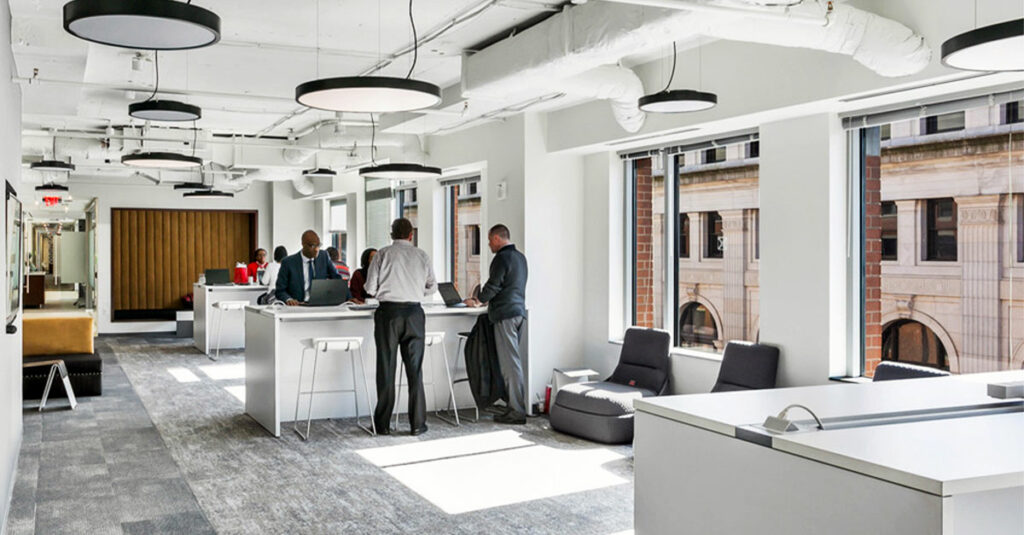
This is where flexible workspace providers step in. Coworking spaces, private offices, and meeting room rentals offer remote professionals a professional environment without the commitment of a traditional lease. You get reliable infrastructure, a polished setting, and the ability to book the level of space you need, when you need it.
District Offices: The Professional Workspace for Remote Professionals in Washington, DC
If your remote workspace needs a professional upgrade, District Offices in Washington, D.C. is exactly what you are looking for. Whether you need a private office for focused work, a coworking space for a few days a week, a virtual office to establish a credible DC business address, or a polished meeting room for client presentations, District Offices has every option covered.
With over years of experience, District Offices operates across four prime DC locations: Georgetown, Farragut Square, Pennsylvania Avenue, and Capitol Hill. Each location offers fully furnished, move-in-ready offices with 24/7 access, high-speed secure Wi-Fi, daily cleaning, complimentary coffee and tea, on-site staff, phone booths, printers, and monthly networking events.
Their meeting rooms are available to both members and non-members and come equipped with plug-and-play technology, HDMI and Thunderbolt connections, presentation tools, conference phones, and catering options. Rooms accommodate groups from intimate one-on-one sessions up to 88 guests. Visit districtoffices.net or call 202.223.5200 to explore your options and book a tour.
Frequently Asked Questions
A: The best workspace setup for remote professionals includes an ergonomic chair, a spacious desk, dual monitors, good lighting, and reliable internet. In simple terms, your workspace should support comfort, focus, and professional communication during video calls.
A: An ergonomic workspace helps prevent back pain, neck strain, and fatigue. This means you can work longer hours comfortably and stay more productive throughout the day.
A: Yes, dual monitors can significantly improve productivity. They allow you to view documents, emails, and work tasks at the same time without constantly switching between tabs.
A: The most important equipment includes a quality desk, ergonomic chair, external monitor, webcam, noise-canceling headphones, and strong internet connection. These tools help create a comfortable and efficient work environment.
A: Remote professionals often use coworking spaces for client meetings, presentations, or when they need a quiet and professional environment outside the home. This helps maintain a strong professional image and reduces distractions.