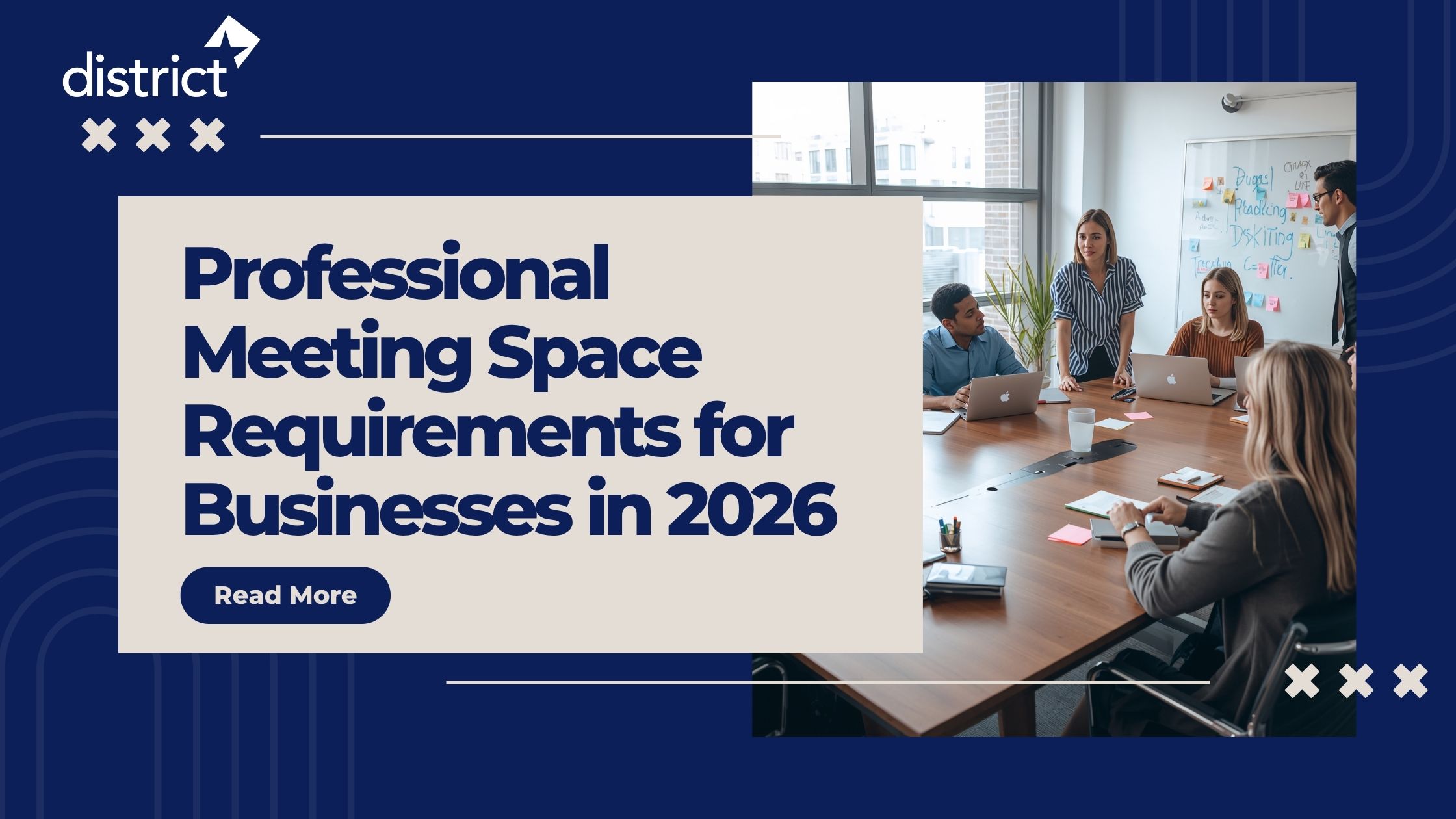


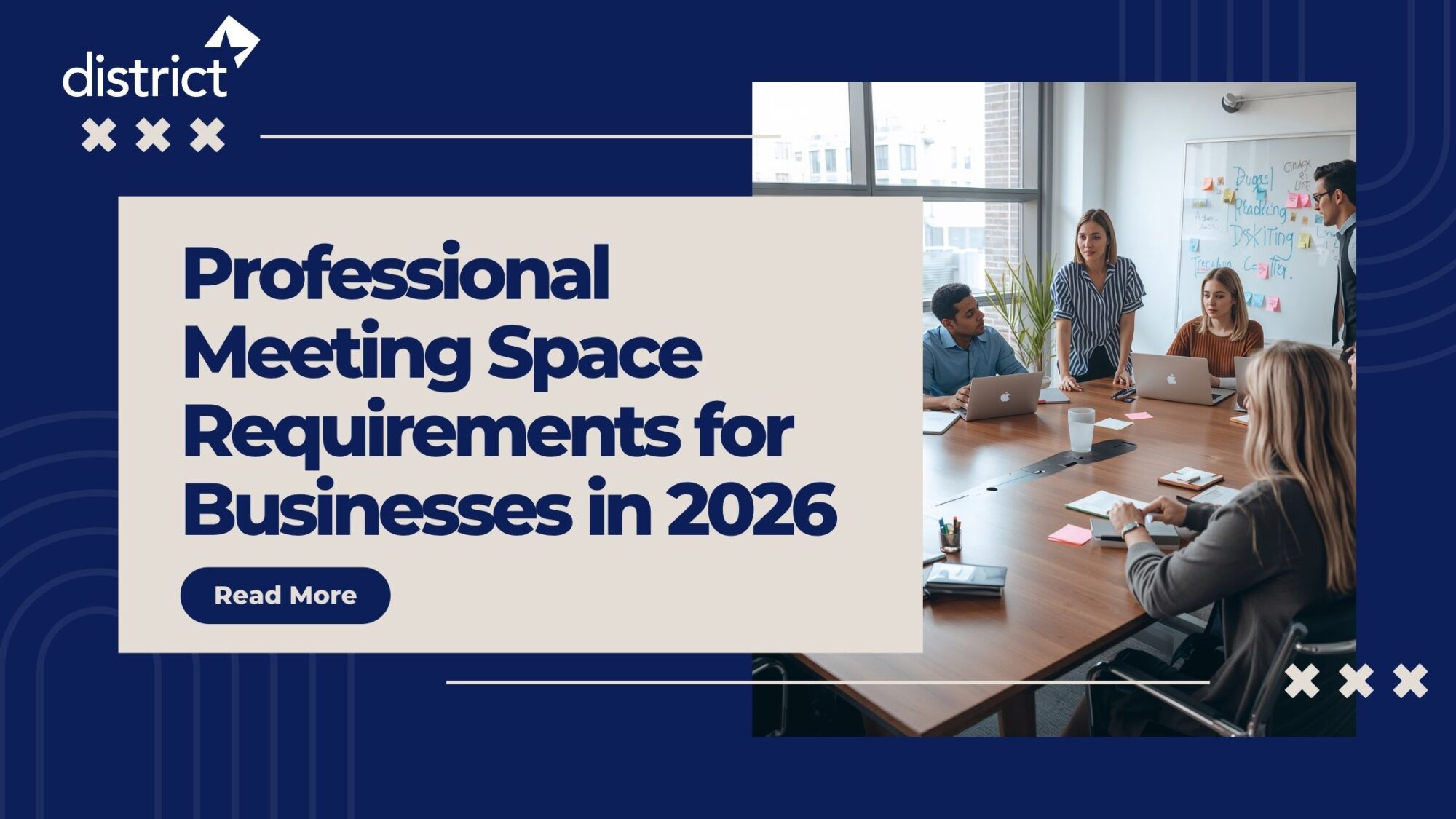
You found the space. It looks great in the photos. But then the client arrives, the internet drops, the room next door is loud, and the screen glare makes your slides unreadable. The meeting was meant to close a deal. Instead, it raised doubts.
This is exactly why professional meeting space requirements are not just a facilities checklist. They are a business decision. The wrong space costs you more than the rental fee.
This guide covers every requirement that actually matters — from room size and technology to privacy, connectivity, and comfort. Whether you manage an in-house space or book one externally, use this as your standard. In 2026, your clients and teams expect more. Now let’s make sure you deliver it.
Table of Contents
ToggleWhat Does a Professional Meeting Space Actually Mean?
A professional meeting space is a dedicated environment designed to support focused business activity. In simple terms, it is any room or venue where meetings, negotiations, presentations, or strategy sessions happen without interruption, distraction, or technical failure.
Now, that definition sounds simple. But what makes a space truly professional goes well beyond four walls and a table. It is a combination of physical design, technology infrastructure, privacy, comfort, and location.
Keep in mind: a professional meeting space does not have to be expensive. It just needs to be intentional and well-equipped. Every requirement in this guide exists for a reason — and that reason is always the same. It protects your credibility and enables better decisions.
Also Read: Office Space Challenges Faced by Small Businesses in 2026
9 Non-Negotiable Professional Meeting Space Requirements for Businesses
Let’s go through each requirement clearly, starting with the ones that businesses get wrong most often.
1. The Right Room Size for Your Meeting Type
Room size is the foundation. Too small, and the room feels cramped and tense. Too large, and the conversation feels distant and disconnected.
Here is the standard guide for business meeting room size requirements:
- Small meetings (2 to 6 people): 100 to 150 square feet
- Medium meetings (8 to 12 people): 150 to 300 square feet
- Large boardroom or strategy sessions (12 to 20 people): 300 to 500 square feet
- Training rooms or all-hands sessions (20 to 50 people): 500 to 1,000 square feet
Research from workplace analytics platforms consistently shows that over 40% of business meetings involve just 4 to 6 people. Don’t default to a large room. Right-sizing a space leads to better focus, stronger conversation, and faster decisions.
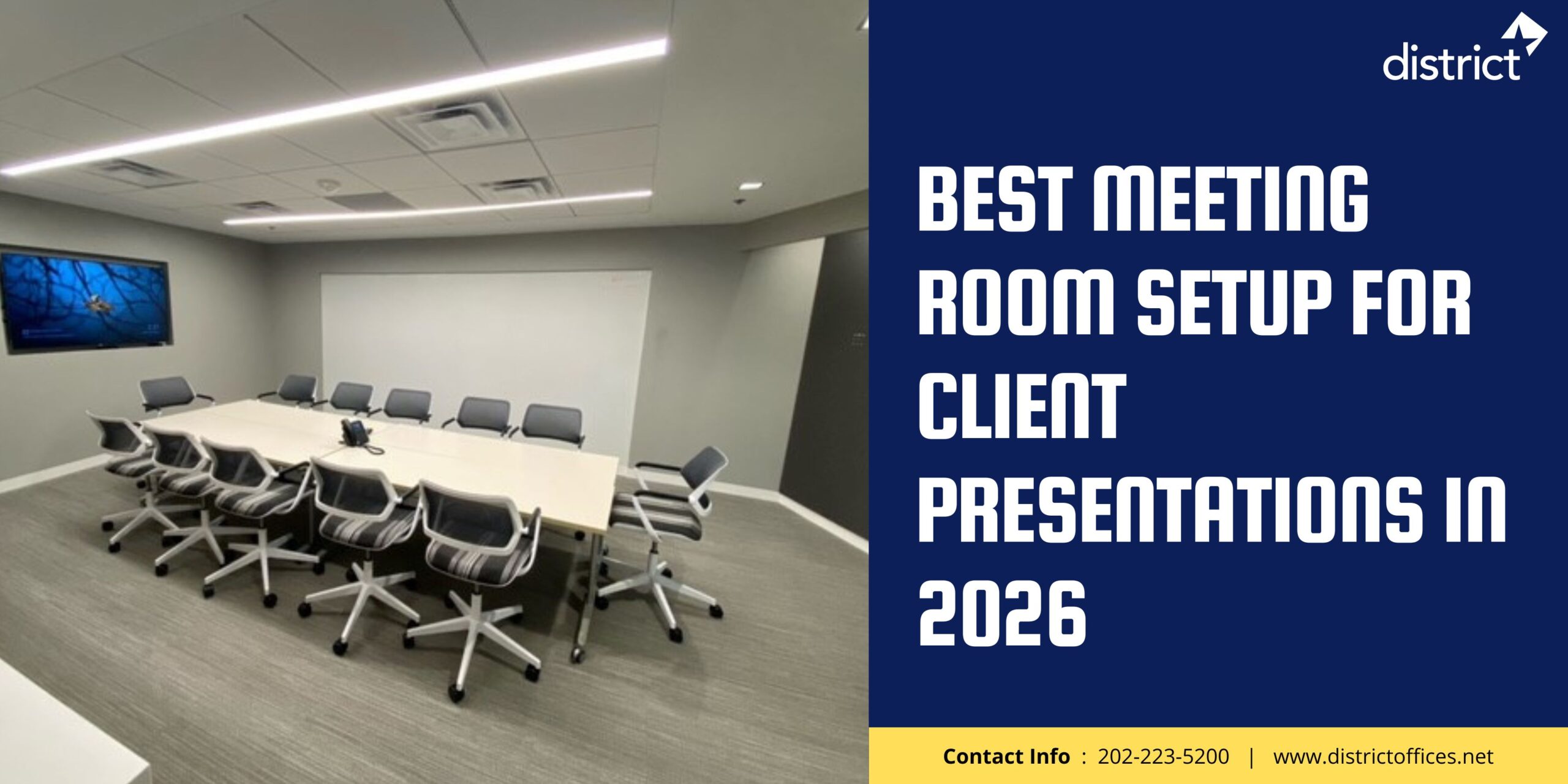
Also Read: Best Meeting Room Setup for Client Presentations in 2026
2. Reliable, High-Speed Internet Connection
Internet connectivity is non-negotiable. A dropped connection mid-presentation or mid-call is not a minor inconvenience. It signals to your client or team that even the basics are not under control.
A professional business meeting room should provide:
- Dedicated wired (LAN) connection for the presenter — do not rely on Wi-Fi alone
- Secure, high-speed Wi-Fi for guests and additional devices
- A separate guest network that does not share bandwidth with internal operations
- On-site technical support or a point of contact if connectivity fails
Don’t worry about needing enterprise-grade infrastructure. What matters is that the connection is stable, fast enough for HD video conferencing, and tested before every meeting.
3. Audio-Visual Technology That Works Every Time
AV technology — your display screens, speakers, microphones, and presentation systems — determines whether your message lands or gets lost.
Professional conference room requirements for AV include:
- Display screen of 65 inches or larger (4K or full HD resolution)
- Wireless presentation system so any device can share on the screen without cables
- HDMI port as a backup for guests with their own devices
- Clear, evenly distributed speakers for participants at every seat
- Conferencing microphone for meetings with remote participants
However, the best AV setup is the one that someone can operate in under 60 seconds. Complex systems that require an IT specialist to start a meeting actively harm productivity. Simplicity and reliability matter more than feature count.
Also Read: Common Workspace Problems That Reduce Employee Productivity
4. Soundproofing and Acoustic Privacy
Acoustic privacy is one of the most overlooked requirements in business meeting space planning — until you are mid-way through a confidential negotiation and can hear every word from the room next door.
A properly designed business meeting space should:
- Use acoustic panels, soft furnishings, or ceiling tiles to absorb internal sound
- Have walls with adequate sound insulation — glass partitions alone are insufficient for sensitive discussions
- Be positioned away from high-traffic corridors, open offices, or noisy common areas
- Have a door that closes fully and seals out corridor noise
This requirement becomes critical for legal, financial, HR, and executive meetings where confidentiality is not optional. The standard should be: if you can hear the conversation from outside the room, the space is not suitable for professional use.
5. Appropriate Lighting for Focus and Video Calls
Lighting in a meeting room affects three things: how comfortable participants feel, how clearly the display screen shows, and how presentable everyone looks on video calls.
Professional workspace lighting requirements:
- Warm, neutral overhead lighting — avoid cold fluorescent bulbs that cause eye strain
- Dimmable controls so brightness can be adjusted when screens are in use
- No windows directly behind the presentation screen — glare washes out slides
- Consistent, even lighting across all seating positions for video conferencing
In simple terms, good lighting says, “We prepared for this.” Poor lighting makes an otherwise well-equipped room feel improvised.
6. Comfortable, Purpose-Built Furniture
Meeting room furniture is not just about aesthetics. It directly affects how long people can focus, how easy it is to read shared materials, and whether the room signals professionalism or improvisation.
A professional meeting venue should have:
- Ergonomic chairs with back support for meetings lasting more than 30 minutes
- A conference table sized appropriately for the group — every participant needs elbow room
- A table height and surface that allows comfortable writing and device use
- Clear sightlines to the display screen from every seat
Keep in mind: furniture in disrepair, mismatched chairs, or tables covered in scratches quietly undermine trust. The condition of the room communicates something about your business standards.
7. A Professional, Branded, or Neutral Environment
The visual environment of your meeting space shapes how clients, partners, and potential hires perceive your organization before you say a word.
Professional office meeting space standards for the environment include:
- Clean, uncluttered walls — no leftover notes, old sticky papers, or irrelevant signage
- Neutral or branded color palette that aligns with a professional business identity
- A clear, organized table with only what is relevant to the current meeting
- No personal items, storage boxes, or equipment unrelated to the meeting
Users often overlook this. A disorganized room environment triggers a subconscious warning in the minds of clients: if the space is not under control, is the business?
8. Ventilation, Temperature, and Physical Comfort
Environmental comfort sounds basic. But a meeting room that is too cold, too hot, or poorly ventilated actively degrades decision-making, focus, and energy across the group.
Physical comfort requirements for business meeting spaces:
- Controllable heating and cooling that can be adjusted before the meeting, not during
- Adequate ventilation to prevent the room from becoming stuffy in longer sessions
- Water and light refreshments available or accessible — especially for meetings over 60 minutes
- Clean, private bathroom facilities within a reasonable distance from the meeting room
9. Location, Access, and Wayfinding
Location requirements go beyond an address. They cover whether your clients can actually find you, arrive on time, and begin the meeting in a calm, positive state of mind.
Professional business meeting venue location requirements:
- Accessible by public transport or with parking available nearby
- Clear, professional reception or entry point with a visitor greeting system
- Simple way-finding, clients should never need to wander to find the right room
- Directions and building access information shared with clients in advance
This matters more than most users realize. A client who arrives flustered, late, or confused has already started the meeting on the back foot. Your location and access experience are part of the meeting itself.
Professional Meeting Space Requirements: Quick-Reference Table
Use this table to evaluate any space — in-house or external — before booking or committing.
| Requirement | What to Verify | Non-Negotiable? |
| Room size | Right-sized for group: 20–25 sq ft per person minimum | Yes |
| Internet | Wired LAN for presenter + secure guest Wi-Fi, HD video capable | Yes |
| Display screen | 65″+ HD or 4K screen, visible from every seat, no glare | Yes |
| Wireless presentation | Any device can share to the screen in under 60 seconds | Yes |
| Audio/microphone | Clear speakers + conferencing mic for remote participants | Yes |
| Soundproofing | No conversation audible from outside; doors seal fully | Yes — for sensitive meetings |
| Lighting | Dimmable, warm, no glare on screen, even across all seats | High priority |
| Furniture condition | Ergonomic chairs, appropriate table size, no disrepair | Yes |
| Room environment | Clean, clutter-free, neutral, or branded, nothing irrelevant | Yes |
| Climate control | Adjustable heating/cooling, ventilation, and water available | High priority |
| Location & access | Transport links, parking, reception welcome, easy wayfinding | High priority |
| Privacy & data | Secure Wi-Fi, lockable room, sound-insulated for sensitive data | Yes — for confidential work |
How Requirements Change by Meeting Type
Not every meeting demands the same setup. However, some requirements apply across every format. Here is how to adjust your checklist by meeting type.
| Meeting Type | Key Requirements | Most Common Gap |
| Client presentation | Large HD screen, wireless sharing, clean environment, strong AV | Glare from windows, unreliable screen connection |
| Strategy/board meeting | Soundproofing, privacy, boardroom layout, stable internet | Noise bleed from adjacent spaces |
| Sales negotiation | Comfortable furniture, neutral environment, full privacy | The room is too large; it feels disconnected |
| Training session | U-shape or classroom layout, interactive display, strong audio | Poor sightlines to screen from back rows |
| Hybrid team meeting | HD camera, conferencing mic, stable wired internet, dual screens | Remote participants hear an echo or background noise |
| HR or legal discussion | Maximum soundproofing, lockable room, secure Wi-Fi | Glass partitions with no acoustic privacy |
| Investor meeting | Professional environment, branded or neutral decor, clean AV | A cluttered or casual-looking room undermines credibility |
3 Requirements Businesses Consistently Underestimate
Businesses tend to get room size and technology right. These three are the ones that catch them off guard.
Underestimate 1: Acoustic privacy. Most businesses assume any enclosed room is private enough. However, that is not always the case. Open-plan offices, glass partitions, and rooms near high-traffic areas routinely let sensitive conversations leak. Test every room by having a conversation at normal volume and standing outside the closed door. If you can make out words, the room is not suitable for confidential meetings.
Underestimate 2: Guest connectivity. Businesses often test their own presenter’s device in the meeting room Wi-Fi. They forget to test a guest’s laptop or phone. Guest devices frequently connect to the wrong network, hit bandwidth limits, or are blocked by corporate firewalls. Always have a dedicated guest network and test it with an external device before the meeting.
Underestimate 3: The arrival experience. A client who gets lost in the lobby, waits unattended at reception, or has to hunt for the right room starts the meeting at a disadvantage — and so do you. The experience before the meeting is part of the meeting. Design it deliberately.
Conclusion
Every business meeting is a chance to reinforce trust — or quietly erode it. The space you choose to meet in is never neutral. It signals intention, preparation, and standards before a single word is spoken.
Professional meeting space requirements for businesses are not a luxury list. They are the minimum standard for productive, credible, and effective business interactions. In 2026, with clients and teams expecting more from every interaction, getting the environment right is no longer optional.
If building and maintaining that environment in-house is not practical for your team right now, the District Offices’ professional meeting workspace provider solution covers every requirement. Book the space, walk-in ready, and focus entirely on the meeting — the only place your attention should be.
Frequently Asked Questions
A: A professional meeting space requires the right room size for the group (20 to 25 square feet per person minimum), reliable high-speed internet with both wired and wireless options, an HD or 4K display screen visible from every seat, quality audio including speakers and a conferencing microphone, soundproofing for acoustic privacy, dimmable professional lighting, ergonomic furniture in good condition, a clean and uncluttered environment, controllable climate, and a professional arrival experience for guests. All requirements serve the same purpose: removing distractions and protecting your credibility.
A: The right size depends on your group. For small meetings of 2 to 6 people, 100 to 150 square feet is appropriate. Medium groups of 8 to 12 people need 150 to 300 square feet. For boardroom-style meetings of 12 to 20 people, plan for 300 to 500 square feet. As a general rule, allocate 20 to 25 square feet per person to ensure comfortable seating, movement, and focus. Right-sizing matters: a room that is too large creates disconnection, while a room that is too small generates tension and reduces focus.
A: A professional business meeting room needs five core technologies: a large HD or 4K display screen (at least 65 inches for groups of 6 or more), a wireless presentation system allowing any device to share the screen without cables, an HDMI backup connection, a quality speaker system for even sound distribution, and a conferencing microphone for remote or hybrid participants. High-speed internet — both wired for the presenter and secure Wi-Fi for guests — underpins all of these. Reliability and ease of use matter more than advanced features.
A: Soundproofing is essential in any professional meeting space used for confidential, strategic, or sensitive discussions. Without it, conversations can be heard outside the room, compromising privacy during negotiations, HR reviews, legal discussions, financial planning sessions, or client presentations. Acoustic panels, proper wall insulation, and fully sealed solid doors are the standard requirements. As a rule of thumb, if someone standing outside the closed door can follow a normal conversation inside, the room is not suitable for professional business use.
A: For a professional meeting room with standard business use, a minimum of 25 Mbps download and 10 Mbps upload speed is required for reliable video conferencing. For rooms running multiple simultaneous HD video sessions or large file transfers, 100 Mbps or higher is recommended. More important than raw speed is stability and redundancy. A wired LAN connection for the primary presenter and a separate guest Wi-Fi network that does not share bandwidth with internal operations are both best practice requirements for any professional meeting space.
A: A regular conference room simply provides a table and chairs in an enclosed space. A professional meeting space is designed and equipped to support effective, credible business interactions at a consistent standard. The difference lies in the reliability of technology, acoustic privacy, lighting quality, furniture condition, internet infrastructure, and the overall environment. A professional meeting space removes the common friction points that derail meetings — tech failures, noise, discomfort, and poor sightlines — allowing every participant to focus entirely on the conversation and decisions at hand.
A: The number of meeting rooms a business needs depends on team size and work style. In open-plan offices with dense seating, the general guideline is one meeting room for every 10 employees. In more traditional office layouts with individual desks, one room per 20 employees is typical. However, workplace data consistently shows that over 40% of business meetings involve 4 to 6 people. This means most businesses benefit from having more small meeting rooms than large boardrooms. Right-sizing the mix of room types to match actual usage patterns reduces booking conflicts and improves space efficiency.
A: Yes, and for many businesses, renting a professional meeting space on demand is more cost-effective and practical than owning or maintaining one. Flexible workspace providers and managed office companies offer fully equipped meeting rooms on an hourly or daily basis. These spaces meet all professional standards, including AV technology, internet, soundproofing, and a professional environment — without the overhead of sourcing, setting up, or managing equipment. Renting is especially useful for businesses that meet clients infrequently, are based remotely, or need a professional address for specific meetings without a full-time office lease.
A: A meeting space suitable for confidential business discussions must have full acoustic privacy — no conversation should be audible from outside the closed room. It should have solid, sound-insulated walls rather than glass partitions, a fully sealing door, and be located away from open offices or high-traffic corridors. A secure, separate Wi-Fi network prevents data interception. The room should also be lockable when not in use and cleared of any materials from previous meetings before confidential sessions begin. These standards apply to HR reviews, legal discussions, financial negotiations, and executive strategy sessions.
A: A professional meeting room checklist should verify: room size appropriate for the group, wired internet and guest Wi-Fi both tested, display screen functional and glare-free, wireless and HDMI connections working, speakers and microphone tested, lighting set to appropriate level, room temperature controlled in advance, furniture clean and well-arranged, table cleared of previous meeting materials, water or refreshments available, directions sent to guests, and reception informed of incoming visitors. The checklist should be run at least 15 minutes before the meeting starts, not when participants arrive.